POS Hardware Choice in Cambodia: Easy Guide to Pick 3 Counter Setups
Selecting the right POS hardware Cambodia counter setup means matching equipment to real customer flow. From a portable Android POS for mobile vendors to tablet stands and dual screen POS workstations, the right rig cuts clutter, protects hardware, and clears queues faster.
“]
Hardware Rig
3 Setups
Equipment Warranty
1 Year Full
Local Spare Parts
Phnom Penh
Deployments
3,000+ Projects
Match the device to the counter – not the brochure photo
A frequent mistake among new retail and cafe proprietors in Cambodia is purchasing counter equipment based solely on aesthetics. Business owners see an oversized touch register in a showroom catalog and install it on a tiny coffee counter, only to realize there is no space left for the espresso knock-box, barcode scanner, or customer payment space.
In evaluating POS hardware Cambodia packages, form factor must follow transaction mechanics. How many transactions occur per hour? Do cashiers stand in one place or move among dining tables? Are customers paying primarily via physical cash or mobile KHQR? Answering these operational questions leads directly to one of three proven hardware setups.
1. When is a portable Android POS or smartphone the ideal choice?
For mobile street food vendors, night market pop-ups, food truck operators, and sprawling restaurant gardens, stationary hardware creates operational friction. In these environments, a compact portable Android POS machine delivers unbeatable agility.
Commercial handheld Android terminals integrate critical components into a single ruggedized device:
All-In-One Portability: A high-definition touchscreen, high-speed thermal slip printer, and rear camera barcode scanner in a handheld chassis weighing under 450 grams.
Cellular Independence: Equipped with dual SIM slots (Smart / Cellcard) and Wi-Fi, allowing cashiers to take orders and accept payments anywhere without relying on stationary router cables.
Table-Side Ordering: Restaurant servers input meal selections directly at the guest table, routing tickets wirelessly to the kitchen printer while generating an instant KHQR slip.
2. When does a commercial tablet setup make the best counter investment?
For boutique fashion outlets, specialty third-wave coffee roasters, cosmetics shops, and small community pharmacies, a commercial tablet setup strikes the ideal balance between modern aesthetics and counter functionality.
A professional tablet workstation pairs an iPad or commercial Android tablet with dedicated point-of-sale peripherals:
Minimalist Footprint
Clean aluminum swivel stands keep counter space open and uncluttered, presenting a clean design that complements boutique store interiors.
Wireless Peripherals
Bluetooth or LAN thermal printers and wireless barcode scanners eliminate tangled wiring across your cash desk.
Cost Efficiency
Provides business owners with an accessible entry price point while retaining full software features and inventory management capabilities.
3. When is a dedicated dual screen POS station mandatory for busy retail?
When your store processes more than 200 customer transactions per day (typical of mini-marts, supermarkets, fast-casual restaurants, and busy bakery chains), a dedicated dual screen POS station is indispensable.
Commercial dual-screen terminals feature two integrated displays mounted on a heavy cast-aluminum base:
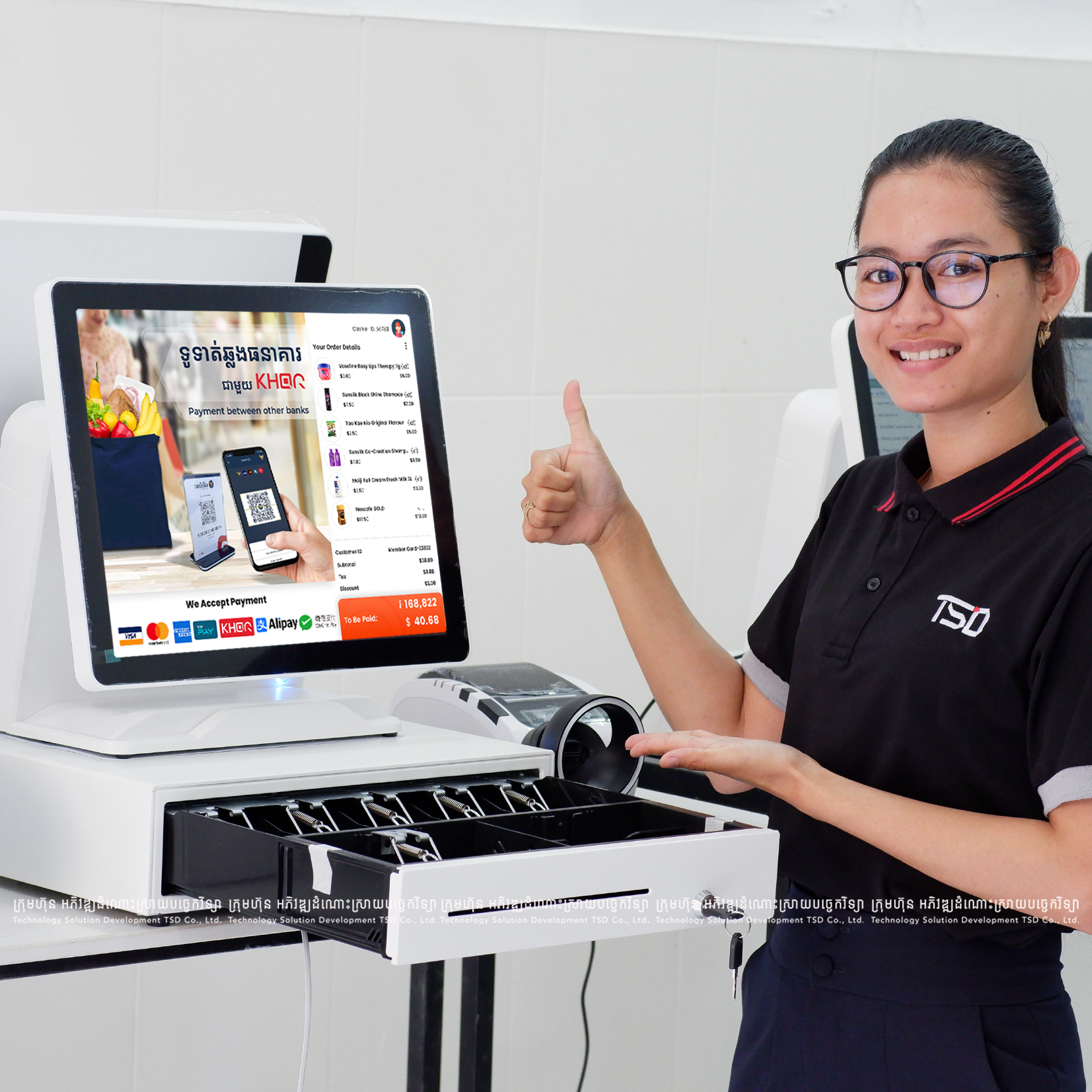
Primary Operator Display (15.6″): A large capacitive touch interface providing cashiers with rapid access to high-turnover item tiles, category selectors, and search matrices.
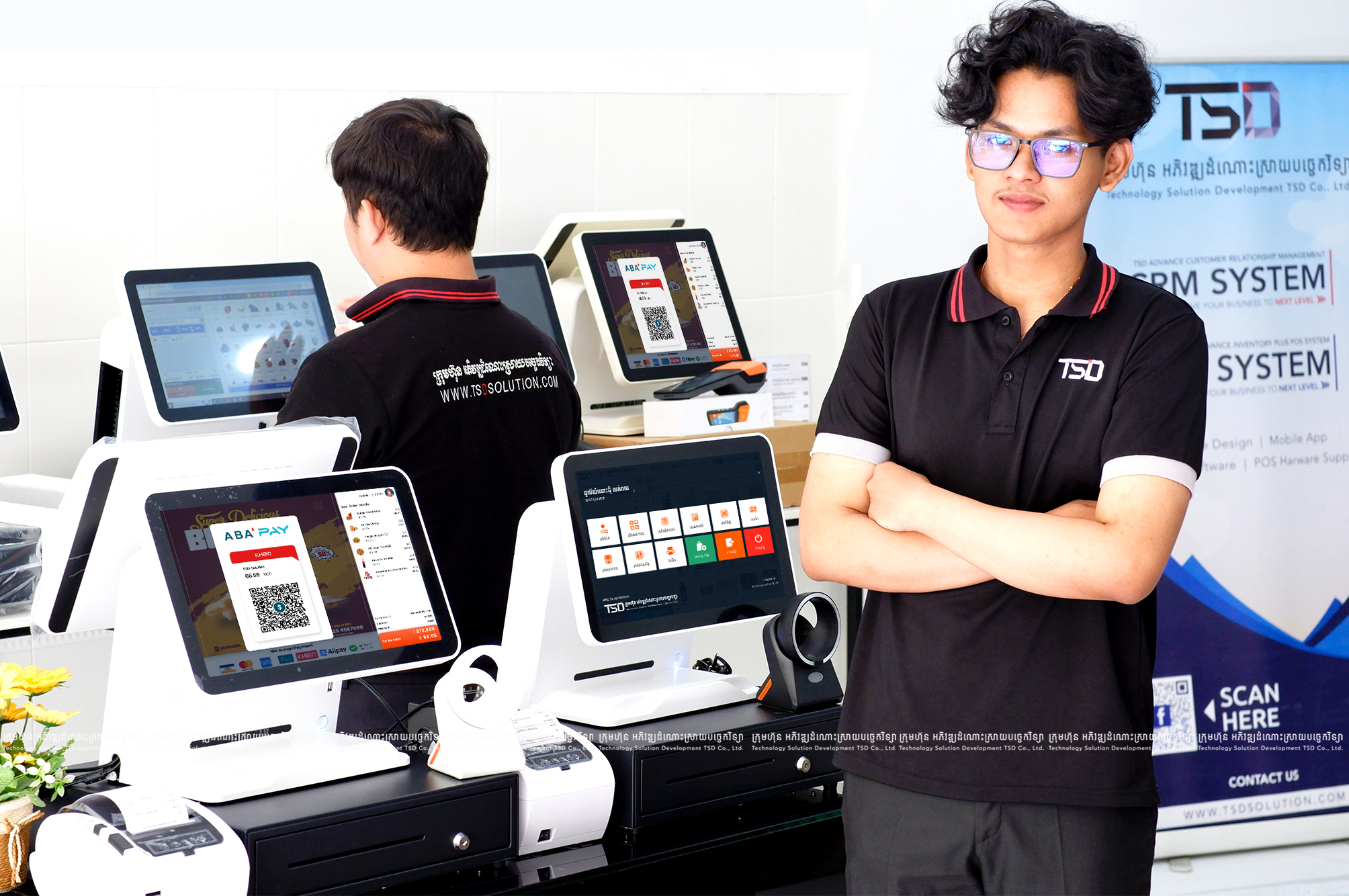
Customer-Facing Display (10.1″ or 15.6″): Reflects scanned item descriptions, individual prices, total amounts in both KHR and USD, and the real-time dynamic KHQR code. Customers scan and verify their bill without cashier intervention.
Industrial Duty Cycle: Engineered for continuous 14-hour daily operation in tropical humidity and dust, featuring fanless heat dissipation and spill-resistant front glass.
Dual Screens for Cashier and Guest
Totals and KHQR stay visible at eye level on the customer-facing display while the cashier works the operator panel.
80mm Thermal Auto-Cutter Included
Fast receipts for busy counters with high-speed thermal output and clean cut edges.
Electronic Cash Drawer Kick
Opens only on cash tender, keeping drawer control tied to the sale ticket.
4. What peripherals belong in a complete POS hardware Cambodia bundle?
A touch terminal alone does not make a functional checkout counter. When sourcing complete POS hardware Cambodia packages from TSD, verify that your quotation includes these four essential commercial peripherals:
80mm Thermal Receipt Printer
High-speed 250mm/sec auto-cutter mechanism printing crisp Khmer Viravuth typography and high-density KHQR codes without messy ink ribbons.
Heavy-Duty Cash Drawer
Solid steel casing with ball-bearing roller suspension, 5-bill / 8-coin compartments designed for both USD and KHR banknotes, and RJ11 auto-kick triggering.
1D/2D Barcode Scanner
High-performance optical engine capable of reading standard retail EAN barcodes, damaged labels, and digital QR codes on reflective mobile phone glass.
Voltage Surge Protection
Dedicated uninterruptible power supply (UPS) buffering local power fluctuations, shielding delicate motherboard capacitors from premature electrical failure.
5. Five-point decision framework: choosing your counter setup
Use this structured decision path to align your operational model with the optimal hardware specification:
Mobility Requirement: Do your servers or staff need to move between tables or sell at mobile events? If yes, select a portable Android POS machine.
Counter Real Estate: Is counter surface severely constrained (under 60cm wide)? If yes, choose a commercial tablet setup with wireless printer routing.
Queue Velocity: Do you experience sustained queues with over 50 customers per rush hour? If yes, invest in a dedicated dual screen POS terminal with an omnidirectional barcode scanner.
Payment Transparency: Do foreign patrons and local customers frequently dispute change or require visible bill validation? If yes, a secondary customer display is essential.
Local Service Agreement: Confirm that your supplier provides a certified 1-year warranty and stocks replacement motherboards, printers, and cables in Cambodia.
Real counter hardware setups: featured client installations
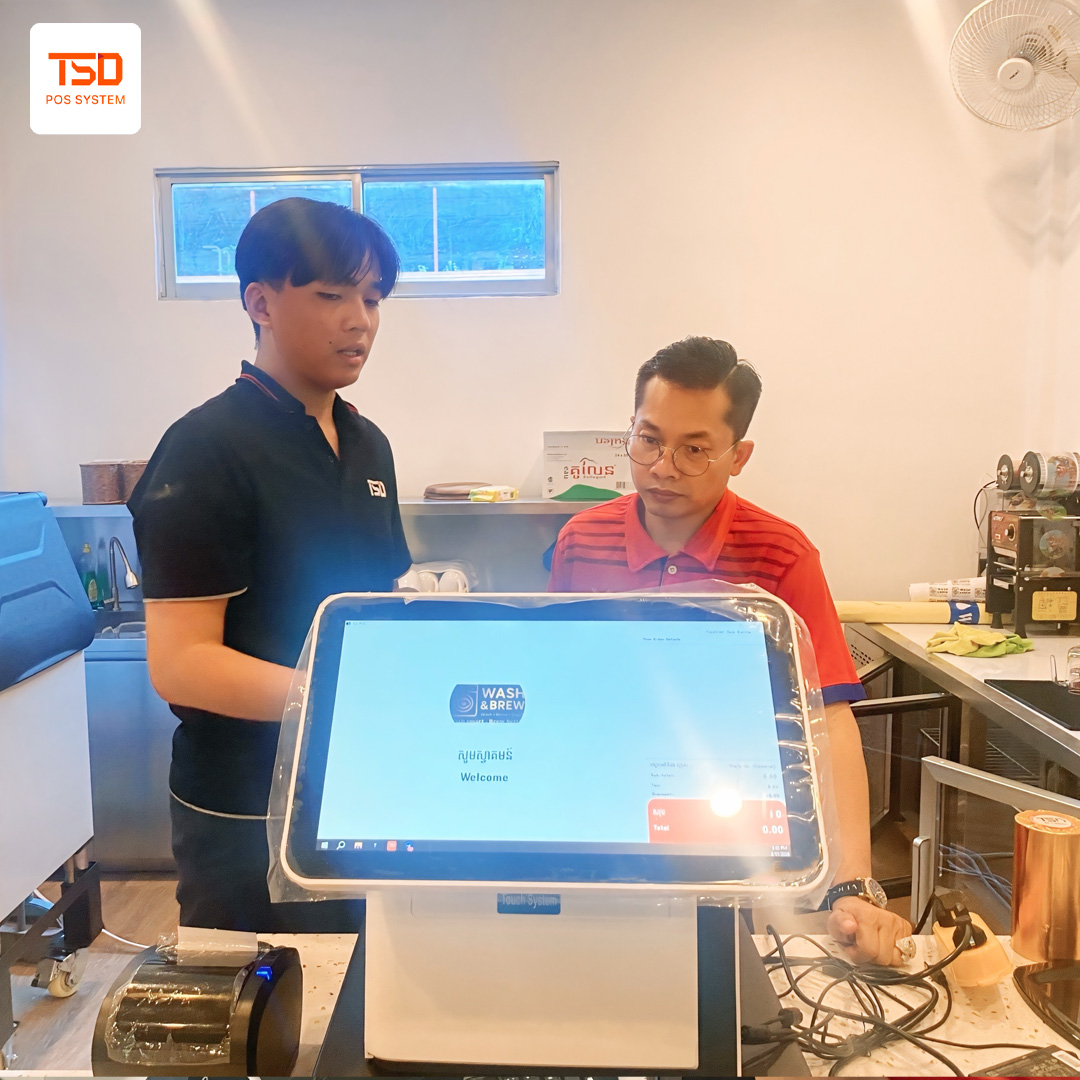
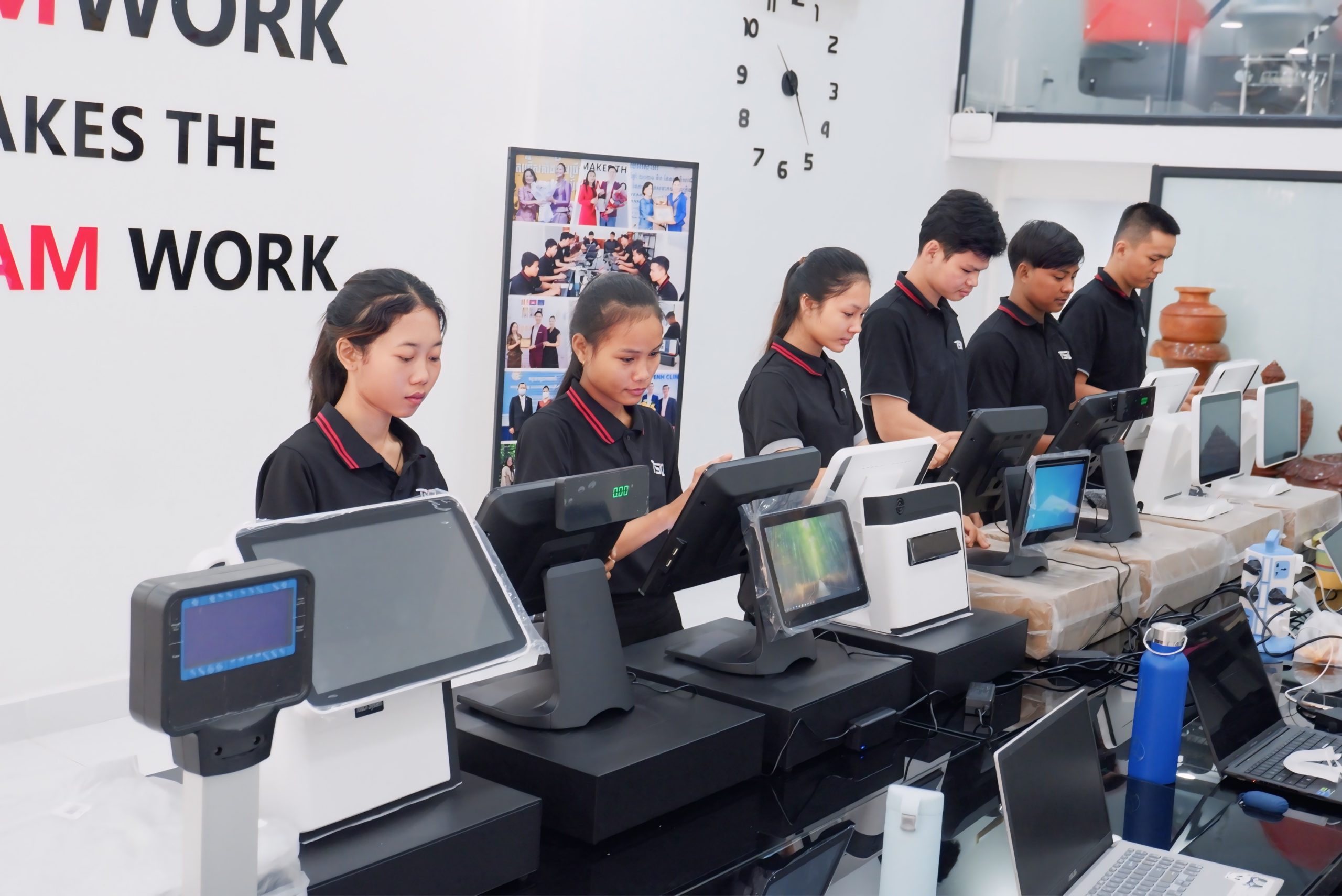
Inspect real-world counter hardware configurations engineered by TSD across Cambodian supermarkets, aesthetic clinics, hybrid cafe laundromats, and dental health centers:
FEATURED – DUAL SCREEN RIGS
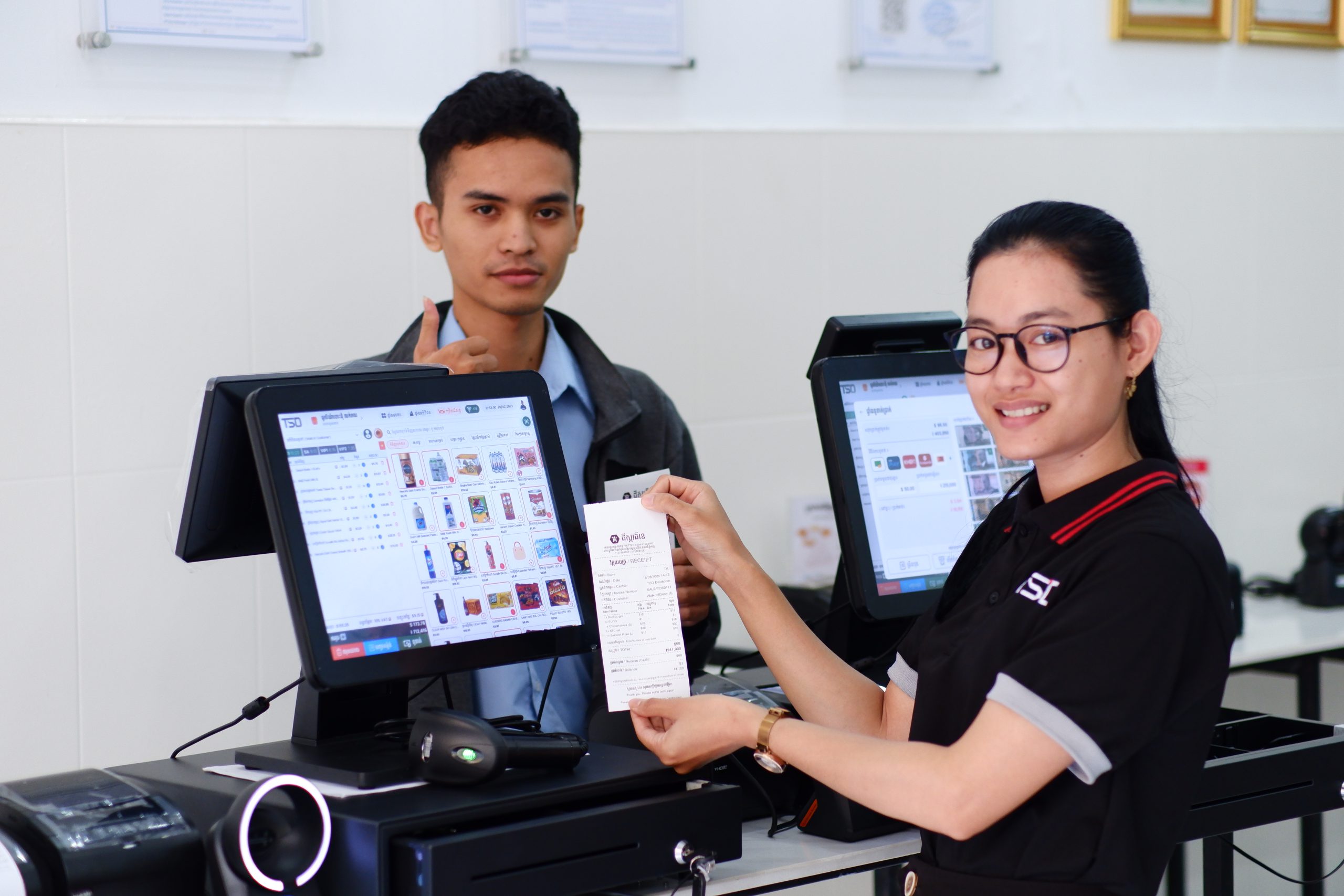
The K Ground: Heavy-Duty Supermarket Dual-Screen Stations
High-volume checkout stations with commercial dual screens, omnidirectional 2D barcode scanners, and high-speed auto-cutter printers.
Examine the technical performance standards that define commercial-grade POS hardware deployment across TSD client installations:
COUNTER ARCHITECTURE PULSE
TSD POS Hardware Cambodia – Rig Durability and Latency Benchmark
LIVE – CERTIFIED RIG OK
Print LatencyAUTO-CUT
under 0.6s
High-speed 250mm/s thermal output
Dual Display MirrorREAL-TIME
0.00ms
Instant customer total and KHQR view
Optical Scanning1D/2D QR
300 SCANS/M
Reads worn labels and mobile screens
Hardware WarrantyCERTIFIED
365 DAYS
On-site local Support and spare parts
* Hardware benchmark verified across commercial retail terminals deployed by TSD in Cambodia.
Hardware durability test: 5 questions before buying POS equipment
Before finalizing an invoice for register hardware, ask your prospective vendor these five practical durability questions:
Screen Protection: Is the touch display a true capacitive commercial glass panel, or a cheap resistive membrane that scratches after three months of fingernail taps?
Spare Thermal Cutters: If the receipt printer auto-cutter jams on a Saturday evening, does the company maintain replacement cutter heads in Phnom Penh for immediate dispatch?
Cable Clutter Management: Does the terminal feature integrated cable management channels to protect power adapters and LAN lines from accidental barista liquid spills?
Drawer Mechanism: Is the cash drawer mechanism constructed with hardened steel roller bearings, or plastic tracks that buckle when loaded with heavy Riel coin rolls?
Hot-Swap Replacement SLA: In the event of a catastrophic motherboard failure, will the vendor deliver an operational replacement terminal within 24 hours to prevent business interruption?
Can I use my existing tablet or smartphone with TSD POS software?
Yes. TSD POS software is modular and can run on compatible Android tablets, iPads, and mobile phones. However, high-volume retail environments strongly benefit from commercial touch terminals engineered for continuous duty and hardware durability.
What is the benefit of a dual screen POS terminal over a single screen?
A dual screen POS features a secondary customer-facing display showing the live itemized bill, dual-currency total (KHR and USD), and the dynamic KHQR code. This allows patrons to verify purchases and scan payment QR codes independently, speeding checkout and eliminating disputes.
What warranty coverage does TSD provide on POS hardware Cambodia equipment?
TSD provides a 1-year commercial warranty covering touch terminals, thermal printers, barcode scanners, and cash drawers. All maintenance and component repairs are supported by our in-house technical team in Cambodia.
When should a business choose a portable Android POS over a stationary register?
A portable Android POS is ideal when staff take orders away from a fixed counter, such as restaurant table-side ordering, outdoor events, delivery drivers, and retail pop-up shops requiring an integrated receipt printer and SIM connectivity.
How does TSD handle installation and hardware setup at my store?
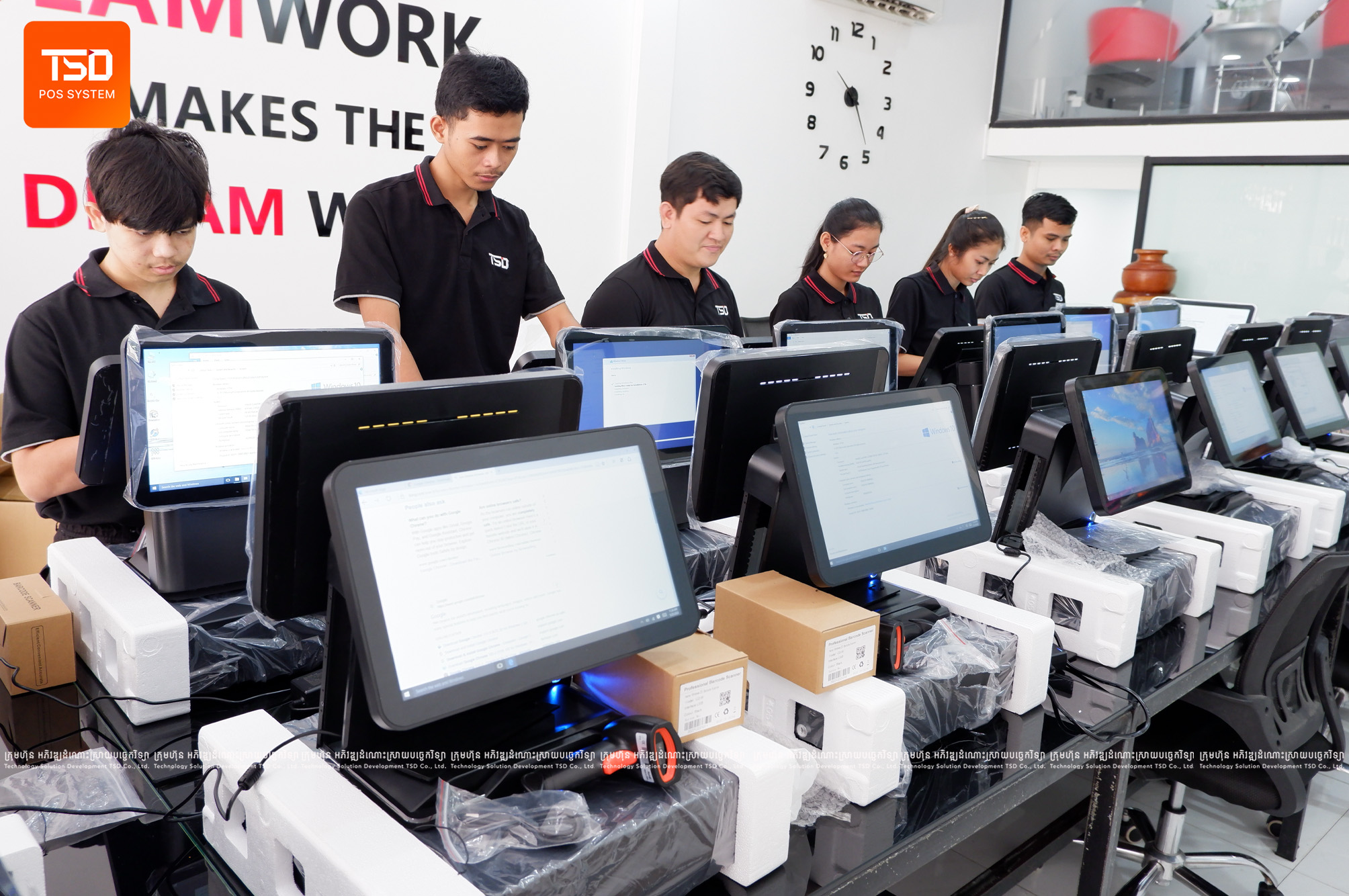
TSD deployment engineers deliver, assemble, and cable all hardware components directly at your physical store location. We configure network connections, calibrate barcode scanners, test receipt print alignments, and conduct on-site cashier training.
Which POS hardware Cambodia setup fits a busy mini-mart best?
High-velocity counters usually need a dual screen POS station, 80mm auto-cutter printer, heavy cash drawer, and 1D/2D scanner so KHQR totals stay visible while cashiers clear the queue.
SELECT THE OPTIMAL COUNTER RIG
Ready to inspect commercial POS hardware in person?
Book an equipment demonstration with TSD retail hardware engineers to test touch terminals, high-speed printers, and dual-screen displays.
From fuel depots and auto care to retail, logistics, and enterprise — teams across Cambodia choose TSD Solution for expertise, fast Support, and systems that fit real operations.