Inventory Management System Cambodia: Easy Way to Cut 6 Stock Risks
An inventory management system Cambodia owners can trust is not a spreadsheet with barcodes. It must sync live with POS sales, protect multi-warehouse stock, alert before stockouts, and stay honest when the network drops. This Insights guide shows six verification checks before you buy.
Local Longevity
13+ Years
Cambodia Installs
3,000+ Projects
Stock Sync
POS Live
Scale Path
Multi-Branch
What stock control really means on a busy Cambodia counter
Owners searching for an inventory management system Cambodia usually already sell every day. The pain is not “we need software.” The pain is wrong balances after KHQR rushes, stock that looks available in Excel but is gone on the shelf, and branch managers arguing about who transferred what.
In Cambodia, inventory is inseparable from POS reality: dual currency tickets, Bakong KHQR callbacks, barcode speed at marts, wholesale carton pricing, and rainy-season connectivity. A stock module that only works when Wi-Fi is perfect will quietly destroy trust between cashiers and warehouse staff. For payment context, review the National Bank of Cambodia’s Bakong network and related NBC guidance while you evaluate checkout-linked inventory.
TSD Advance Inventory Plus POS is built as one stack: sales reduce stock, transfers move between warehouses, and owners see branch health without waiting for a month-end spreadsheet. Use this guide beside the product page for POS system Cambodia and the sibling Insights on best POS system Cambodia.
Inventory management system Cambodia: 6 stock risks to cut
Print these six risks before any vendor meeting. Score pass, fail, or needs Demo. The vendor that earns honest passes is your practical shortlist – even if another brand advertises a cheaper monthly sticker.
Ghost stock
POS sells while inventory stays frozen until someone edits Excel overnight.
Warehouse fog
Main store, back room, and supplier returns live in separate notebooks.
Branch drift
Second shop invents its own prices and counts with no shared SKU master.
Price chaos
Retail and wholesale levels are memorized by cashiers instead of SKU rules.
Silent stockouts
No low-stock alert until customers already leave empty-handed.
Offline mismatch
When fiber drops, sales continue but stock math becomes a weekend cleanup job.
A credible shortlist cuts those risks with live POS sync, multi-warehouse transfers, multi-branch inheritance, tier pricing, actionable alerts, and hybrid offline integrity. TSD designs Advance Inventory Plus around that checklist – and still expects you to verify every claim on your own SKU list.
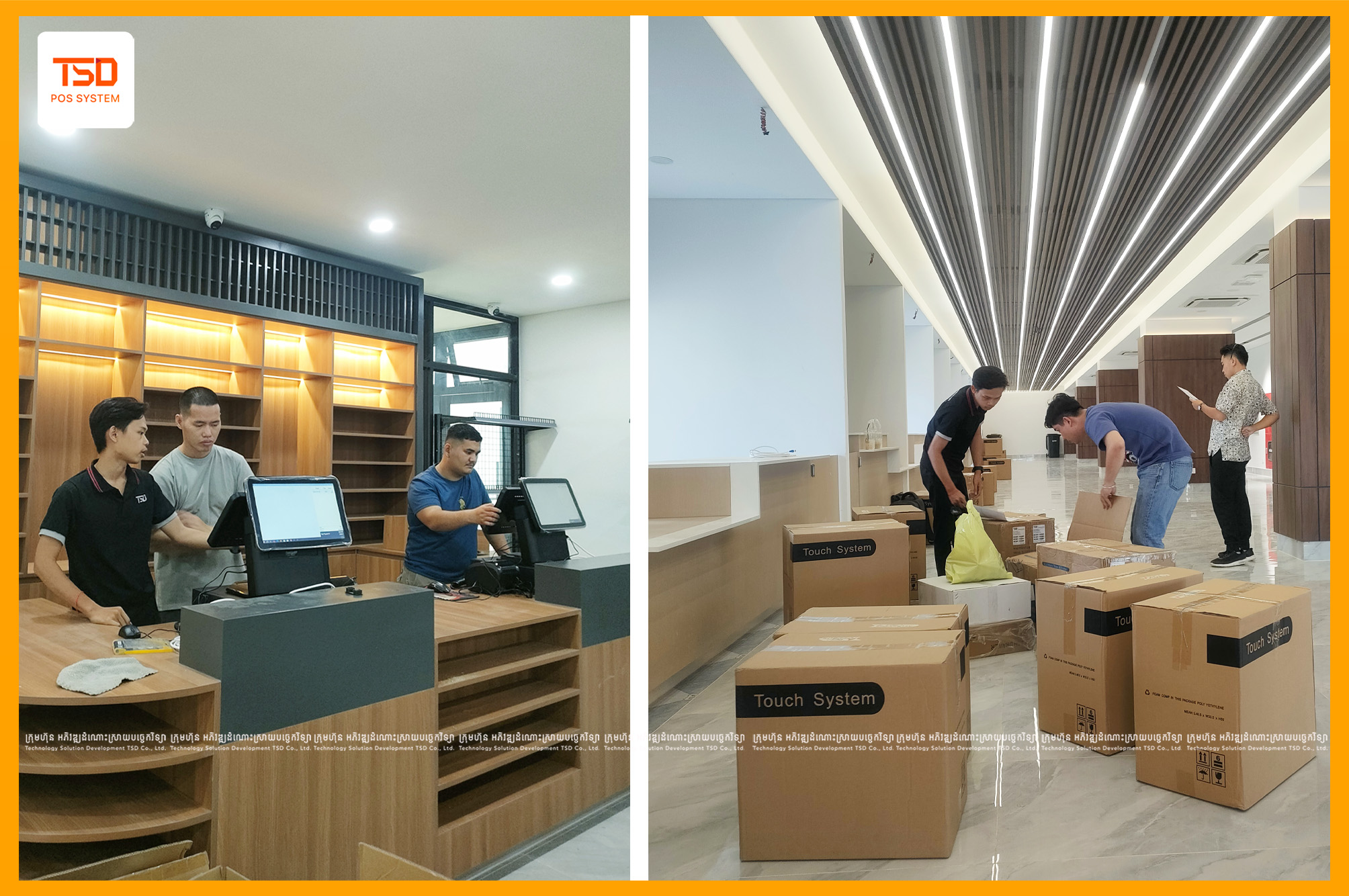
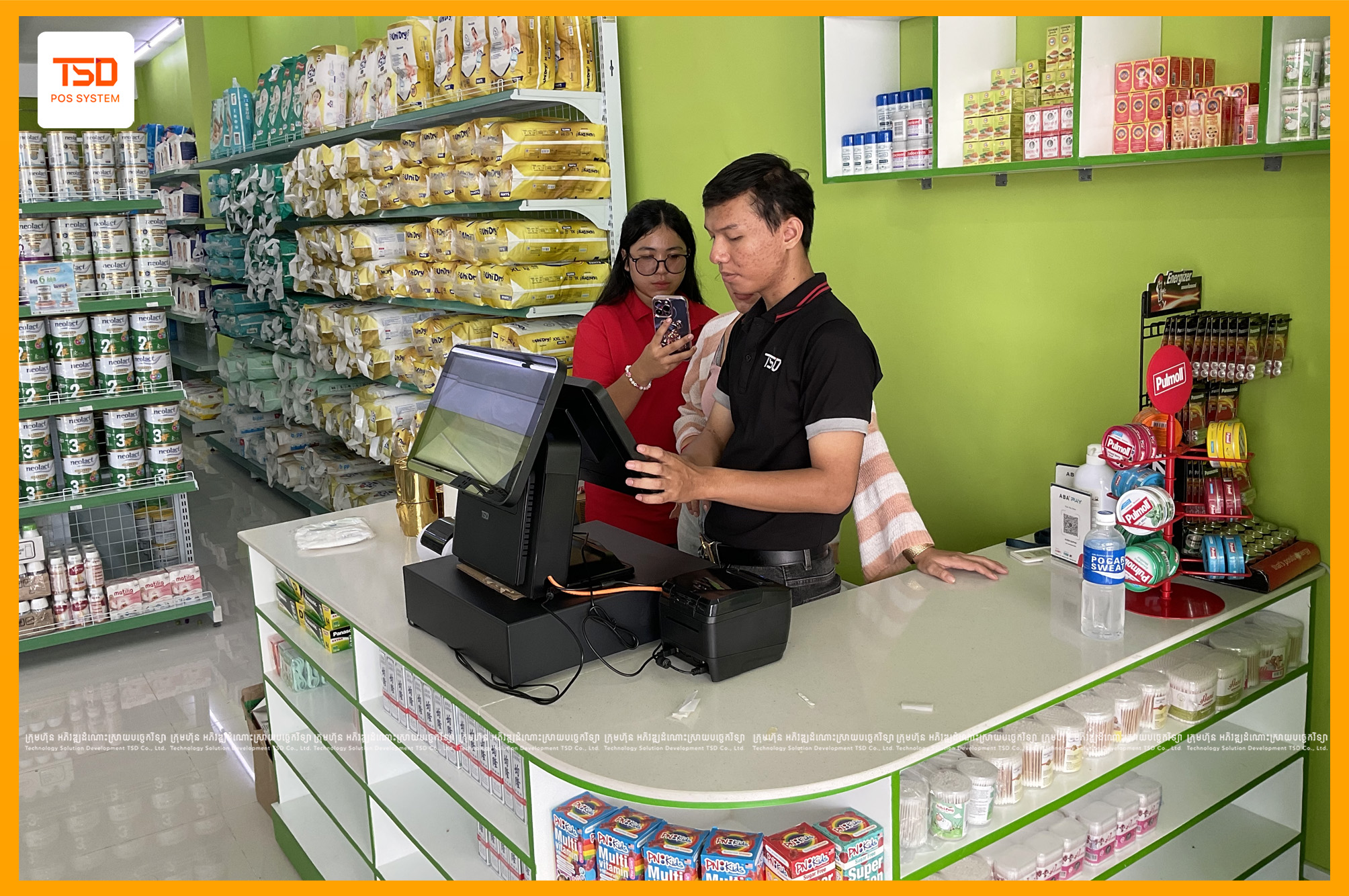
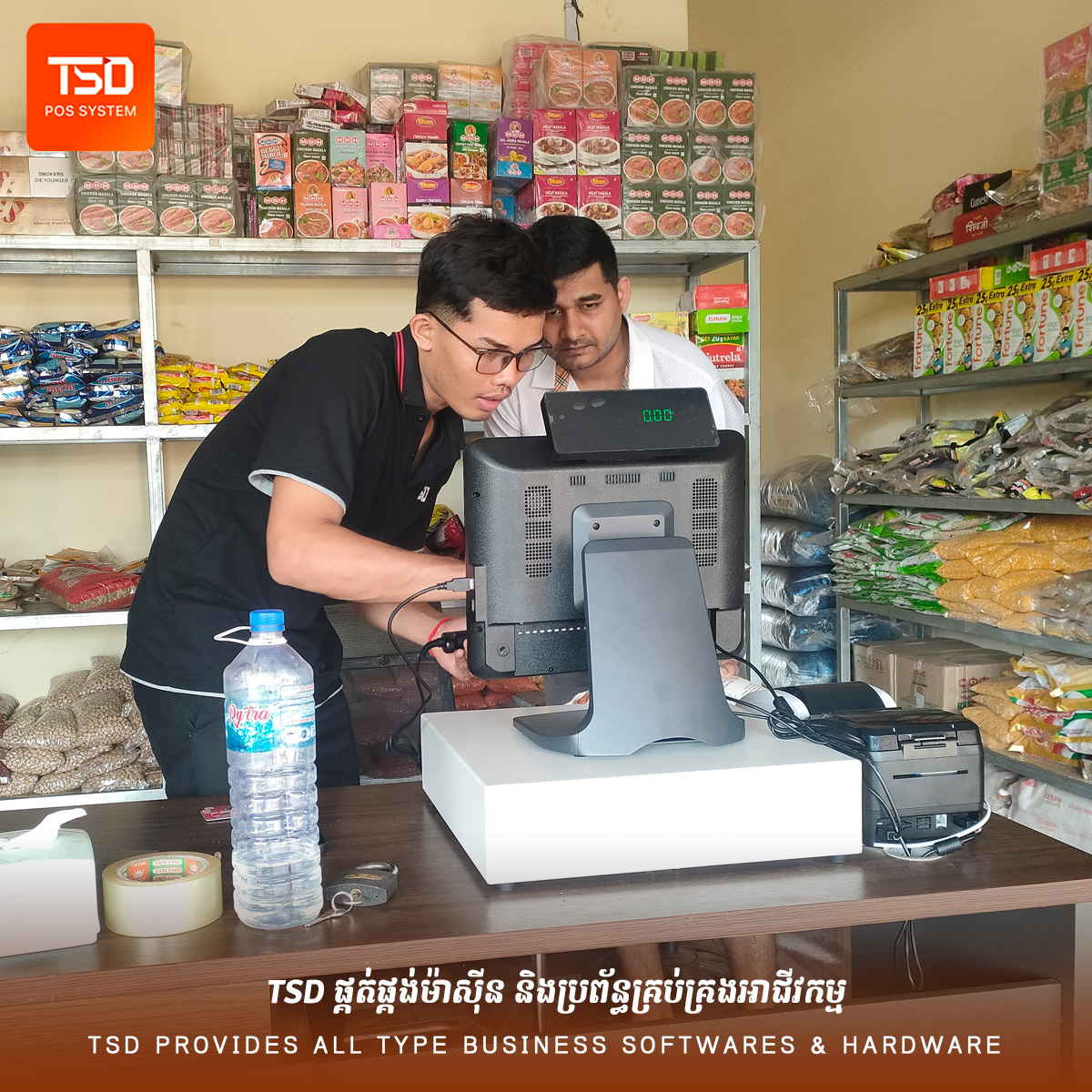
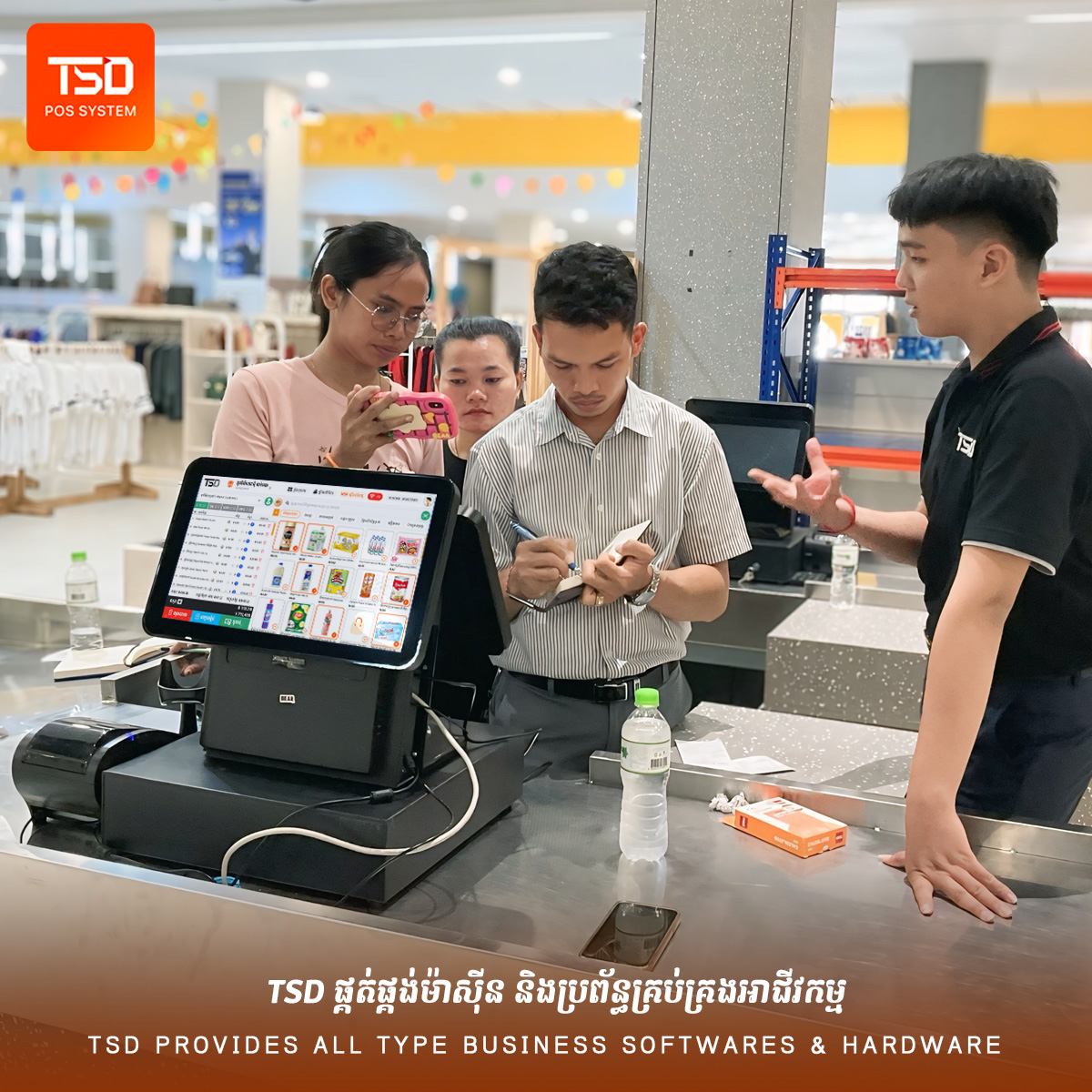
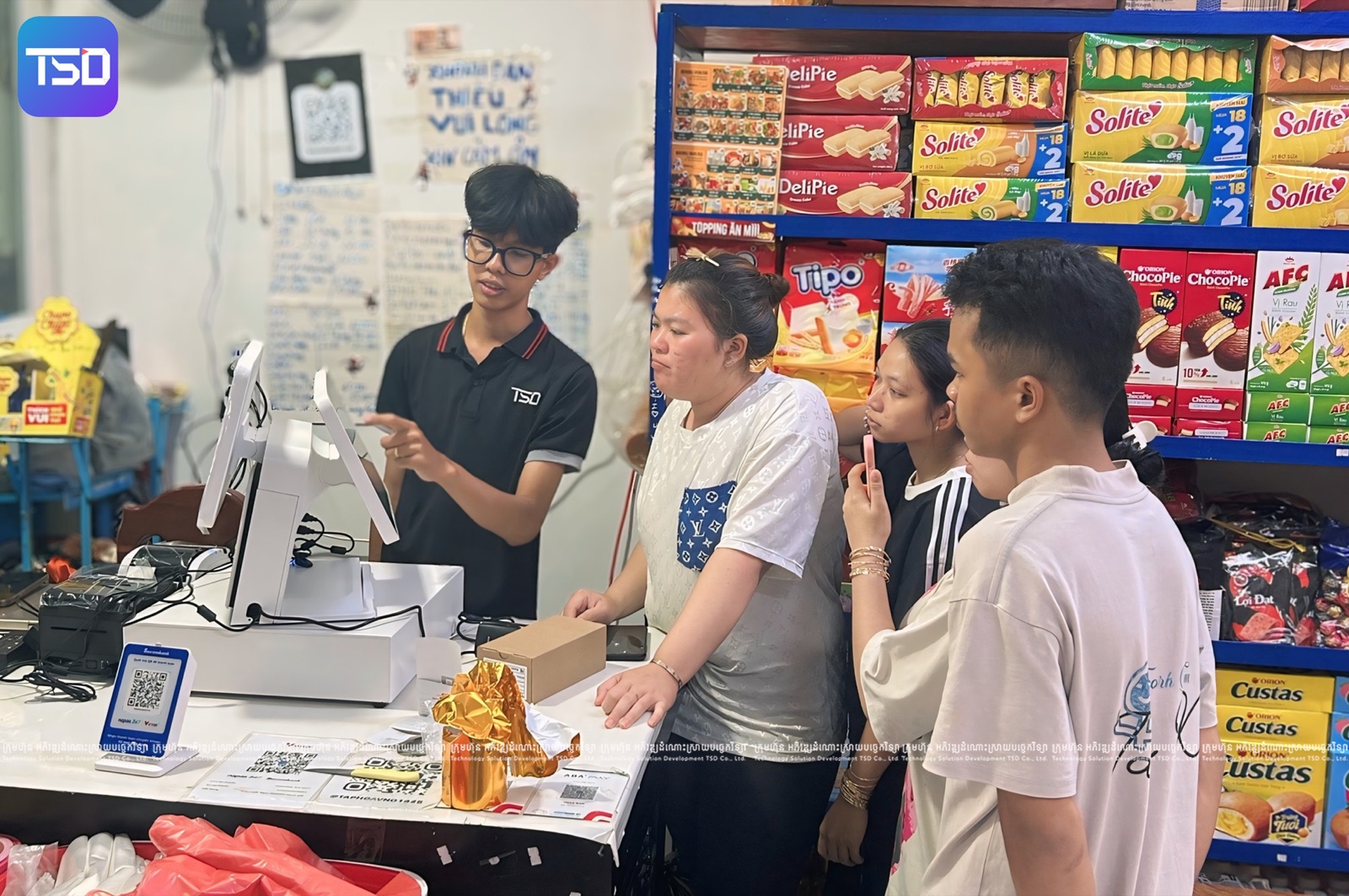
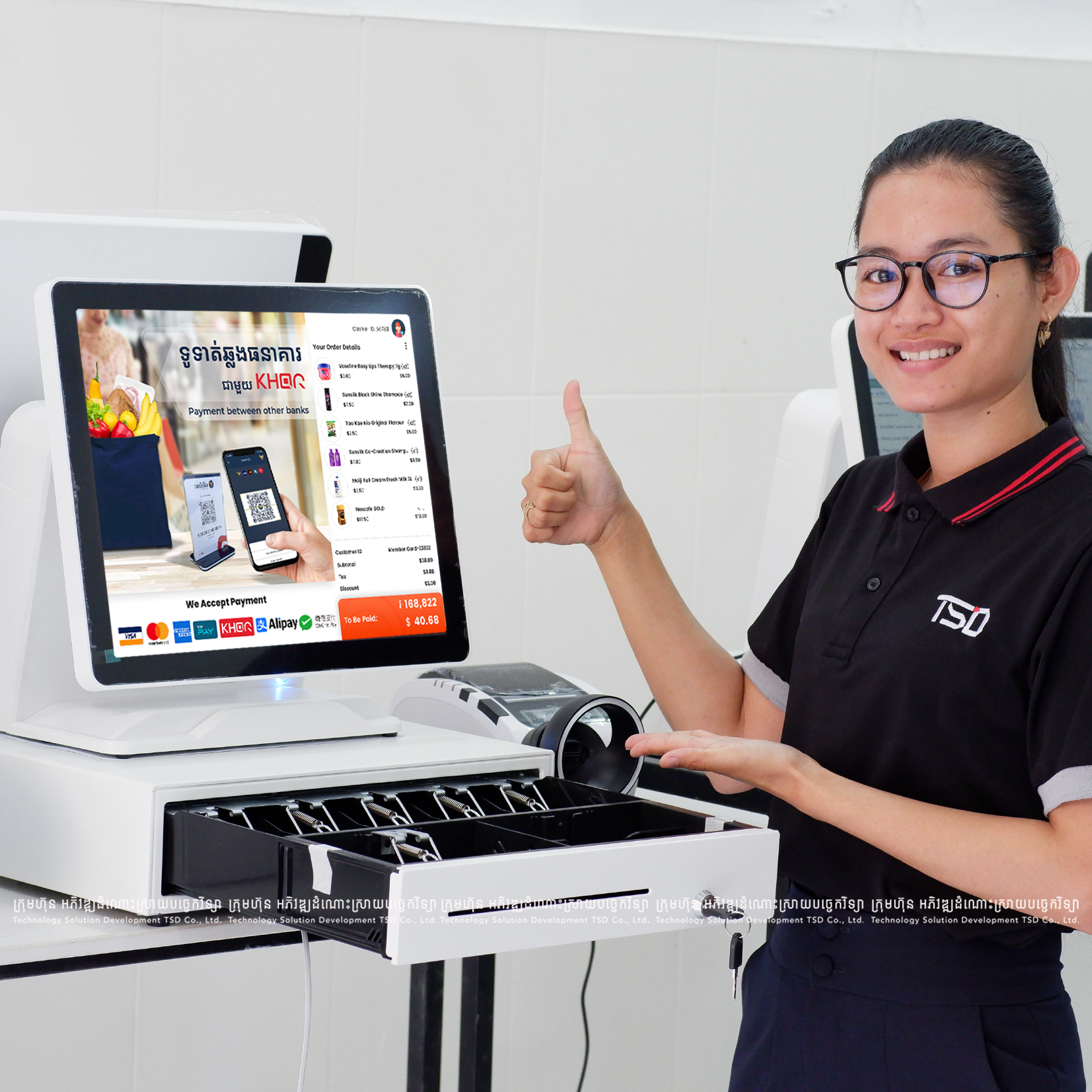
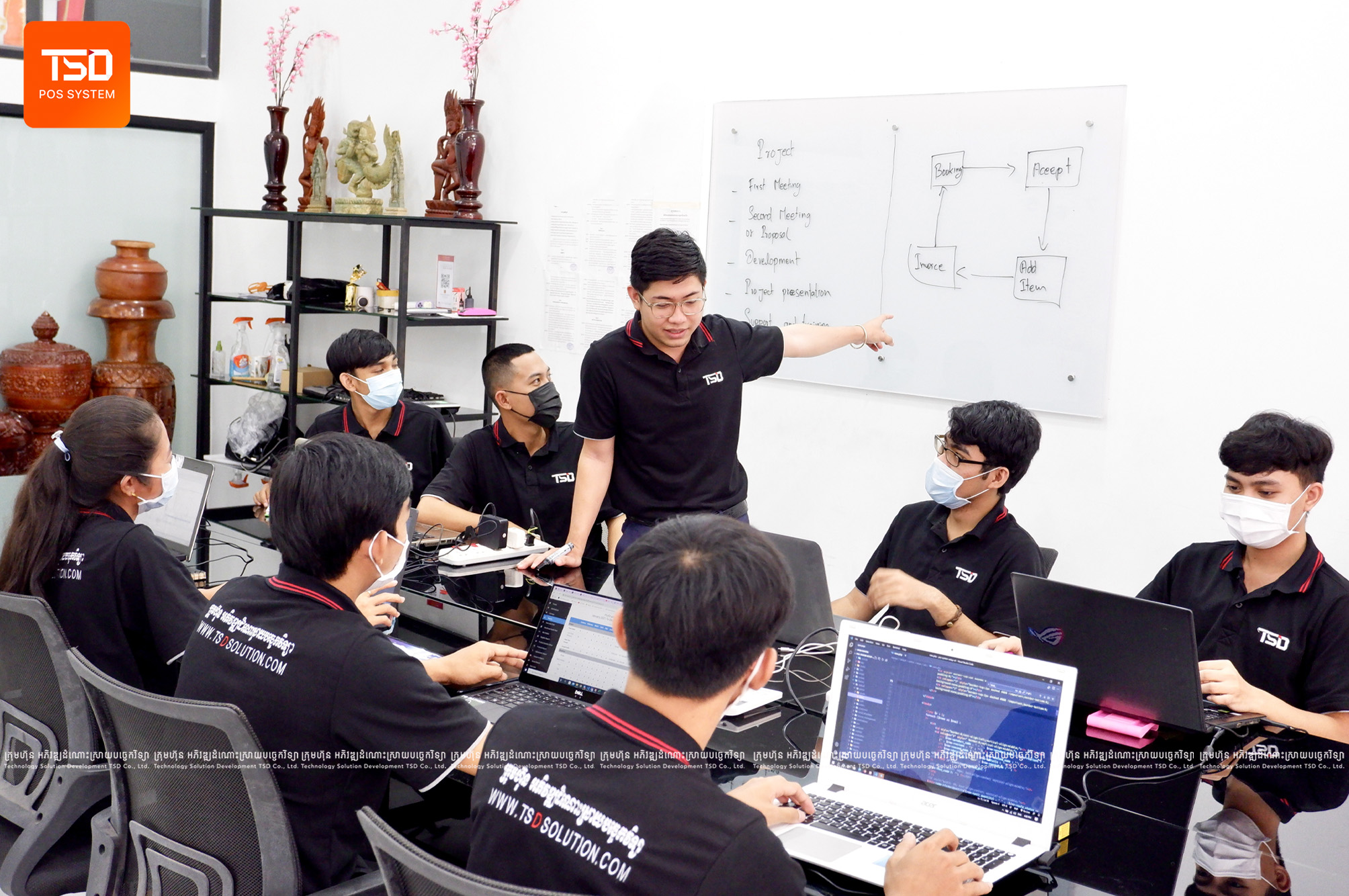
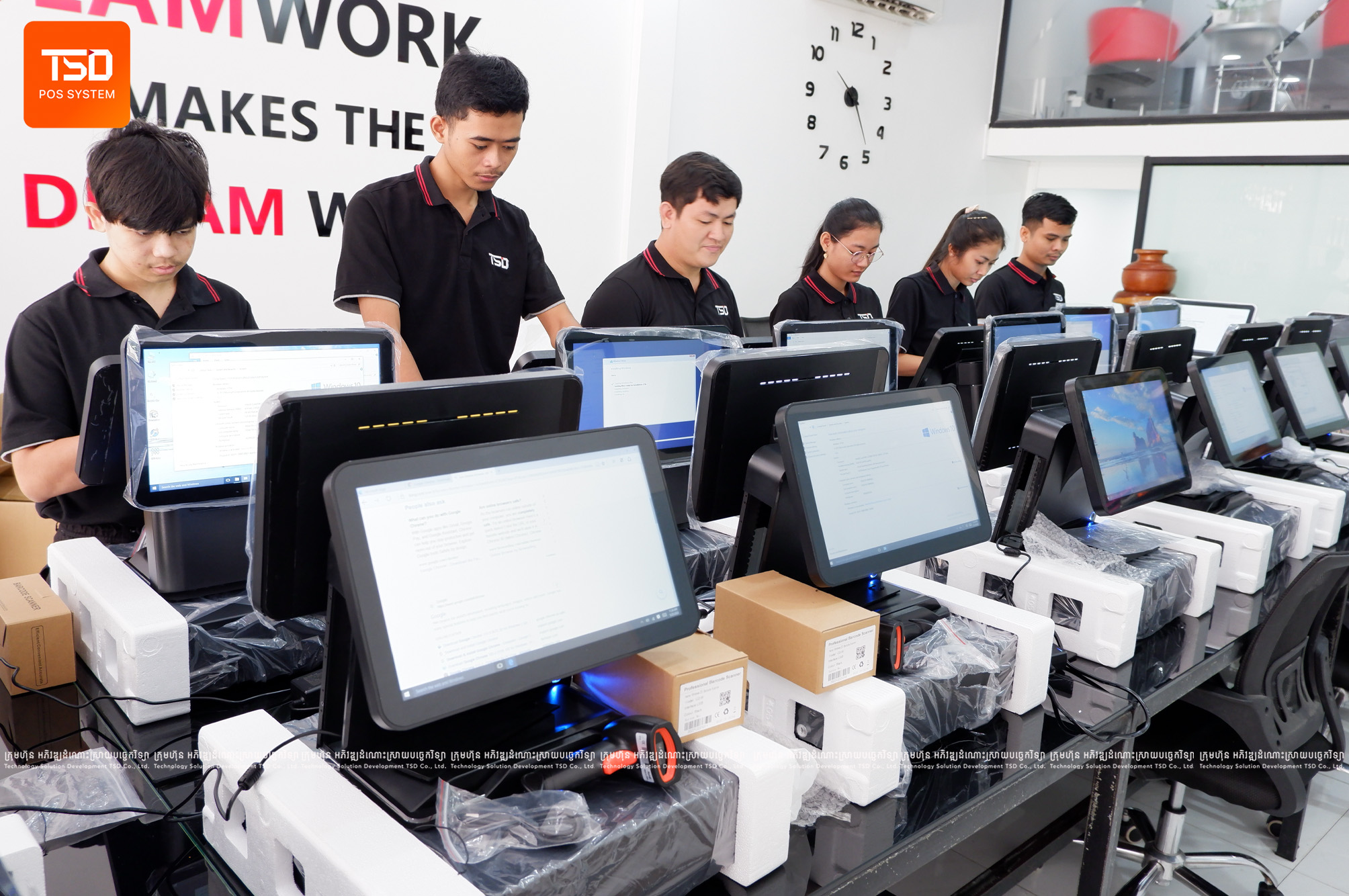
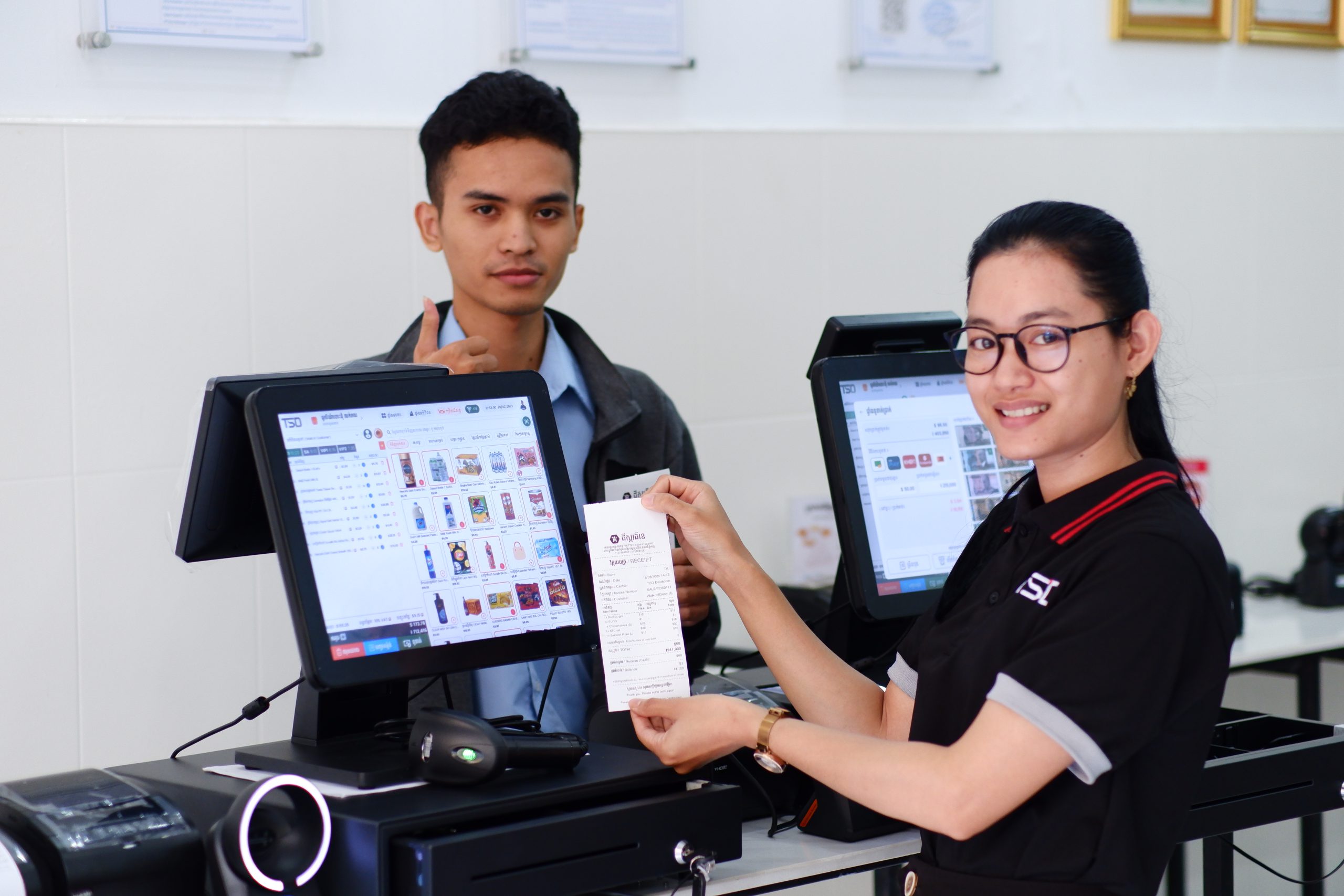
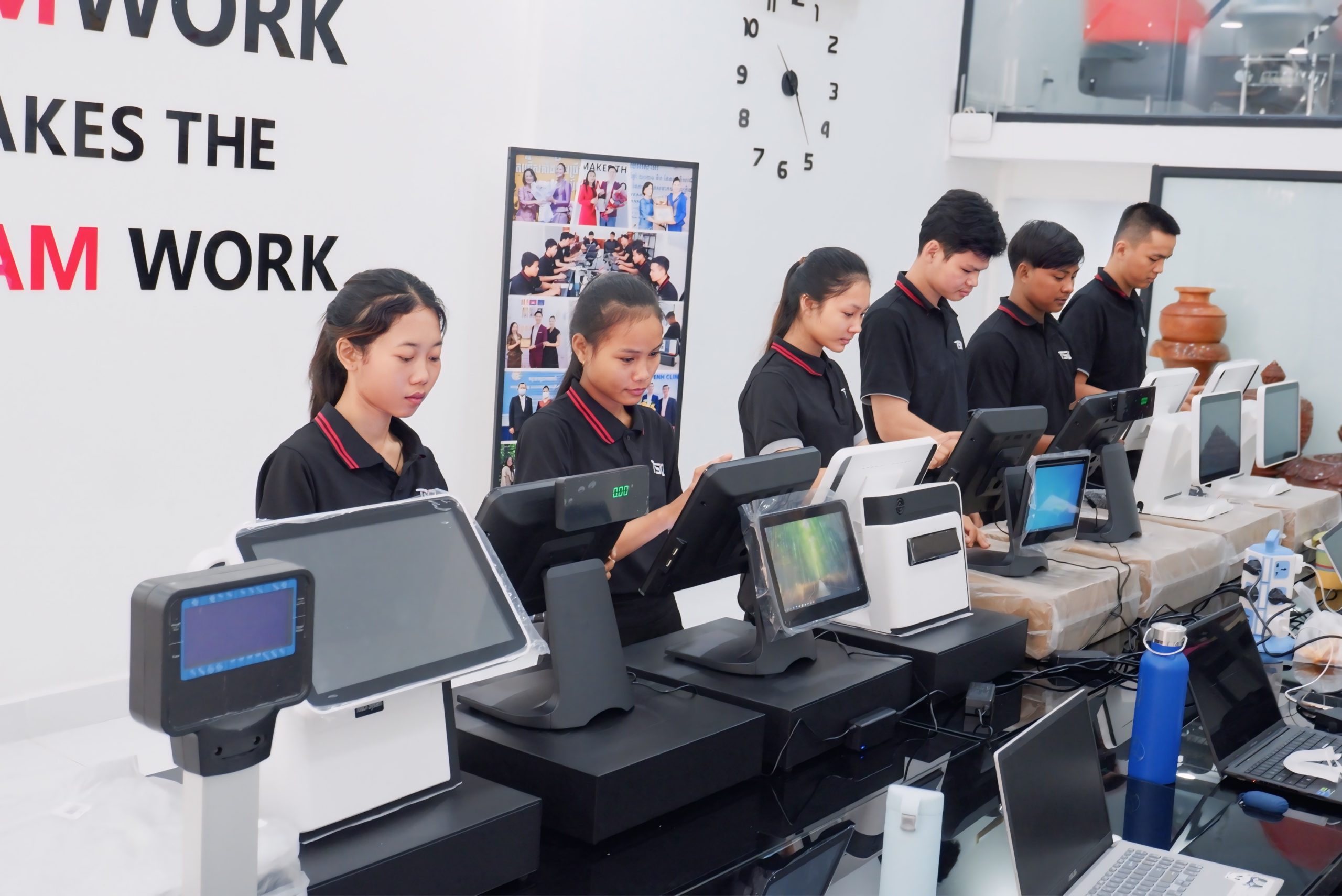
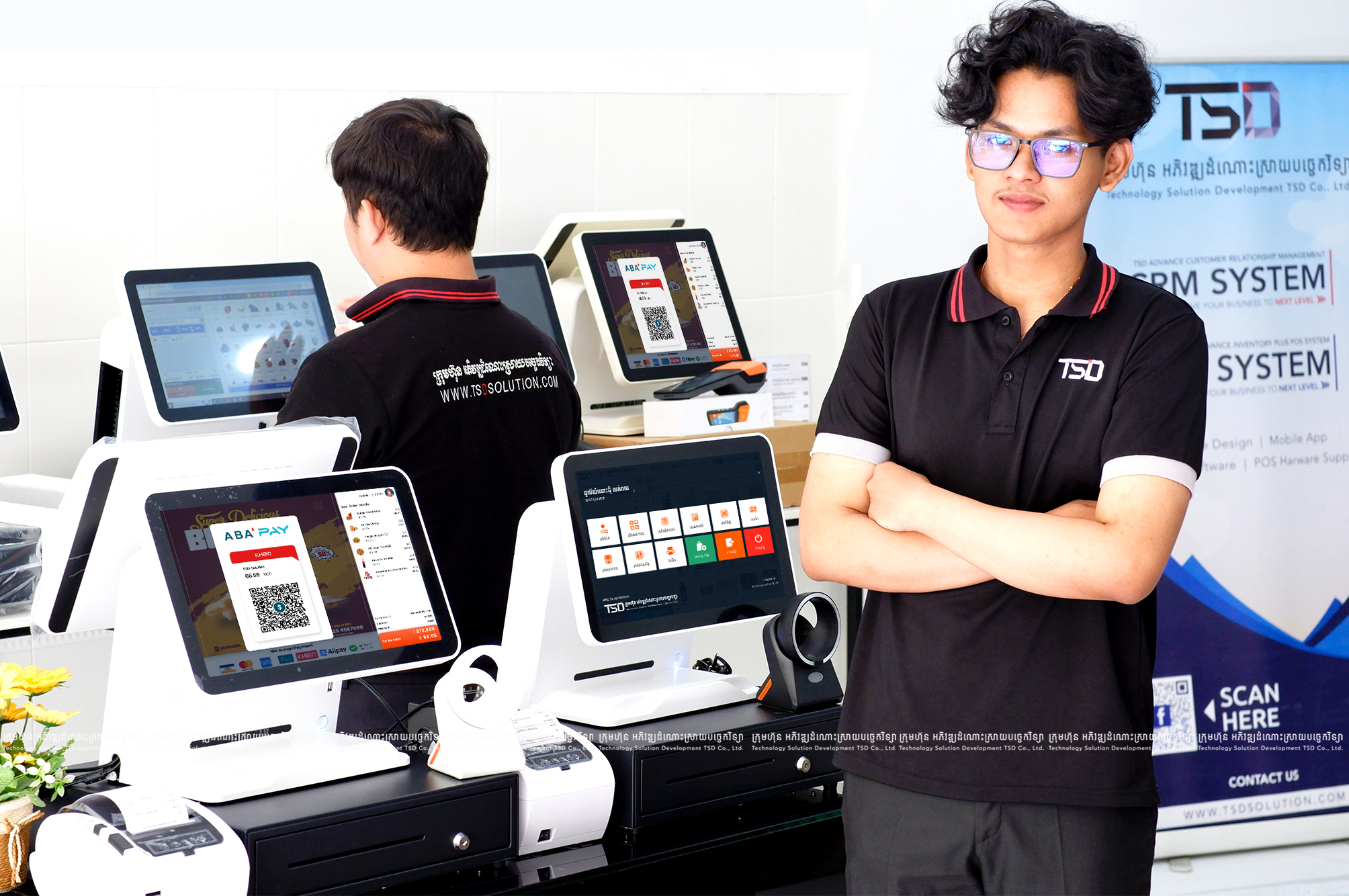
Stock ops gallery: warehouses, counters, and barcode lanes
Use these photos as a visual checklist during Demo. If a vendor only shows a laptop dashboard, ask to see the same depth at warehouses, dual-screen counters, and barcode-heavy retail floors in Cambodia.
1. Live POS sync so sold items leave the shelf in real time
The first test for any stock platform candidate is brutal and simple. Scan a barcode. Complete a cash or KHQR sale. Open stock for that SKU. The count must move without a night batch job.
Sale reduces stock
Every completed ticket adjusts on-hand quantity for the selling warehouse.
Returns restore cleanly
Refunds and voids reverse stock with an audit trail cashiers cannot hide.
Owner phone visibility
Managers see movement without waiting for a closing Excel file.
TSD POS and Advance Inventory are one family for this reason. Cashiers sell; inventory listens. That is why high-velocity marts and supermarket lanes can close shifts with fewer ghost-stock arguments – and why buyers treat an inventory management system Cambodia Demo as a live stock exam, not a slideshow.
2. Multi-warehouse clarity without Excel ping-pong
Many Cambodia shops keep a front counter, a back room, and sometimes a supplier holding area. If those locations are not first-class warehouses in the system, staff invent transfer notes on paper. Paper wins until the first dispute.
Named warehouses: counter, back stock, quarantine, or branch storeroom.
Documented transfers: who moved what, when, and to which location.
Receiving discipline: purchase receipts update the correct warehouse, not a generic blob.
Cycle counts: spot counts that adjust one warehouse without rewriting the whole company.
Ask every vendor to create two warehouses in Demo and transfer ten units. If the UI cannot do it in under two minutes, your team will keep Excel forever.
3. Multi-branch inventory that inherits prices and stock rules
A second branch is where weak inventory tools fail. SKUs duplicate. Prices drift. Promotions land on one shop only. A modern shortlist must show how a new branch inherits the product master while keeping local stock balances separate.
TSD’s multi-branch path is designed for that growth: shared catalog discipline with branch-level stock truth. Compare that to app-only tools that force a painful migration the week you open shop two. Read the hardware form-factor guide when counters differ by branch: POS hardware choice Cambodia.
4. Retail and wholesale levels tied to the same SKU
Cambodia wholesale and retail often share one warehouse. Cashiers should not memorize secret codes. The inventory record should carry retail, wholesale, and unit conversion rules that POS can apply without inventing a second product.
Price levels
Retail and wholesale on one SKU with clear permissions.
Unit conversion
Carton to piece math that keeps stock counts honest.
Staff rights
Not every cashier can edit cost or create phantom free stock.
If your Demo cannot switch a customer from retail to wholesale on the same barcode without logging out, score that vendor down before price talk begins.
5. Low-stock alerts owners can act on before empty shelves
Alerts that only appear inside a buried report help nobody at 7 p.m. Owners need thresholds per SKU or category, visible dashboards, and phone-friendly notifications when fast movers dip.
TSD surfaces low-stock and movement signals for managers who cannot stand in the warehouse all day. During Demo, set a threshold of five units, sell six, and demand the alert path. Serious buyers should refuse silent stockouts as “normal.”
6. Offline-safe stock math when fiber drops mid-shift
Pure cloud inventory looks clean in a meeting room. On a stormy Phnom Penh evening or a border complex with unstable connectivity, sales continue while stock updates queue. The danger is duplicate sync, negative stock surprises, and weekend cleanup fights.
TSD hybrid POS keeps checkout alive offline and syncs when the line returns. Inventory discipline only works if that sync is tested live. Full architecture notes: offline hybrid POS Cambodia. Pair it with payment proof from KHQR dual currency POS Cambodia so money and stock stay aligned.
STOCK CONTROL PULSE for Demo verification
Demand measurable pass or fail markers – not brochure adjectives – when any vendor claims inventory excellence.
STOCK CONTROL PULSE
Inventory Cambodia Demo markers
LIVE – AUDIT MODE
POS SyncPASS
LIVE DROP
Sale reduces on-hand stock in under one refresh
WarehousesTRANSFER
2+ LOCS
Documented transfer between counter and back stock
Low StockTHRESHOLD
ALERT ON
Sell past reorder point and catch a visible warning
Offline QueueWi-Fi OFF
SYNC CLEAN
Stock and sales reconcile without duplicate tickets
* Example pulse for owner demos. Ask each vendor to prove the same markers on your SKU list and warehouses.
Live Demo checklist for inventory buyers
Bring this script into every Demo. A vendor that cannot complete it is unlikely to deliver a durable stock-control rollout in Cambodia.
SKU create: Add a product with barcode, retail price, wholesale price, and reorder point.
Sell and check: Complete a dual-currency or KHQR sale and confirm stock dropped.
Transfer: Move units from warehouse A to warehouse B with a printable record.
Branch preview: Show how a second branch inherits the catalog without cloning chaos.
Airplane mode: Sell offline, then sync and verify stock still balances.
Alert path: Trigger a low-stock warning a manager can see on phone or dashboard.
Named Cambodia installs that stress-test stock control
Dense SKUs, multi-counter sales, and multi-site operations are the real exam for any inventory management system Cambodia shortlist – not a quiet Demo room.
FEATURED – 13 LOCATIONS
THE K GROUND Supermarket
Dense supermarket SKUs, dual-screen lanes, and barcode speed that punish weak stock sync.
What should an inventory management system Cambodia owner verify first?
Confirm live POS sync: sell one SKU and watch on-hand stock drop immediately. Then test warehouse transfers, multi-branch catalog inheritance, low-stock alerts, and offline sync before discussing price.
Is Excel enough for Cambodia stock control?
Excel can start a tiny stall. Multi-counter marts, wholesale plus retail pricing, KHQR rushes, and second branches usually outgrow spreadsheets because sales and stock stop matching in the same hour.
How does TSD approach stock-control deployments in Cambodia?
TSD ships Advance Inventory Plus with POS so sales, warehouses, multi-branch catalogs, and alerts stay in one stack, with on-site training and Support 24/7. Owners still must verify those flows on their own SKU list during Demo.
Do I need multi-warehouse features on day one?
If you have a back room, supplier holding area, or branch storeroom, yes. Without warehouses, staff invent paper transfers that break counts within weeks.
How does offline selling affect inventory accuracy?
If the till keeps selling while stock only updates in the cloud, you risk duplicate sync and weekend cleanup. Prefer hybrid designs that queue cleanly and reconcile after reconnect – then prove it with airplane mode.
Where should I go after this inventory guide?
Read best POS, offline hybrid, and KHQR dual currency Insights, open the TSD POS product page, then book a Demo via Telegram to run the stock checklist on your floor plan.
BOOK A STOCK CONTROL DEMO
Ready to verify stock control fit for your Cambodia warehouses?
Share your SKU count, branch plan, and warehouse layout. TSD will run live POS sync, transfer, alert, and offline checks – then quote a clear software, hardware, and Support package.
From fuel depots and auto care to retail, logistics, and enterprise — teams across Cambodia choose TSD Solution for expertise, fast Support, and systems that fit real operations.