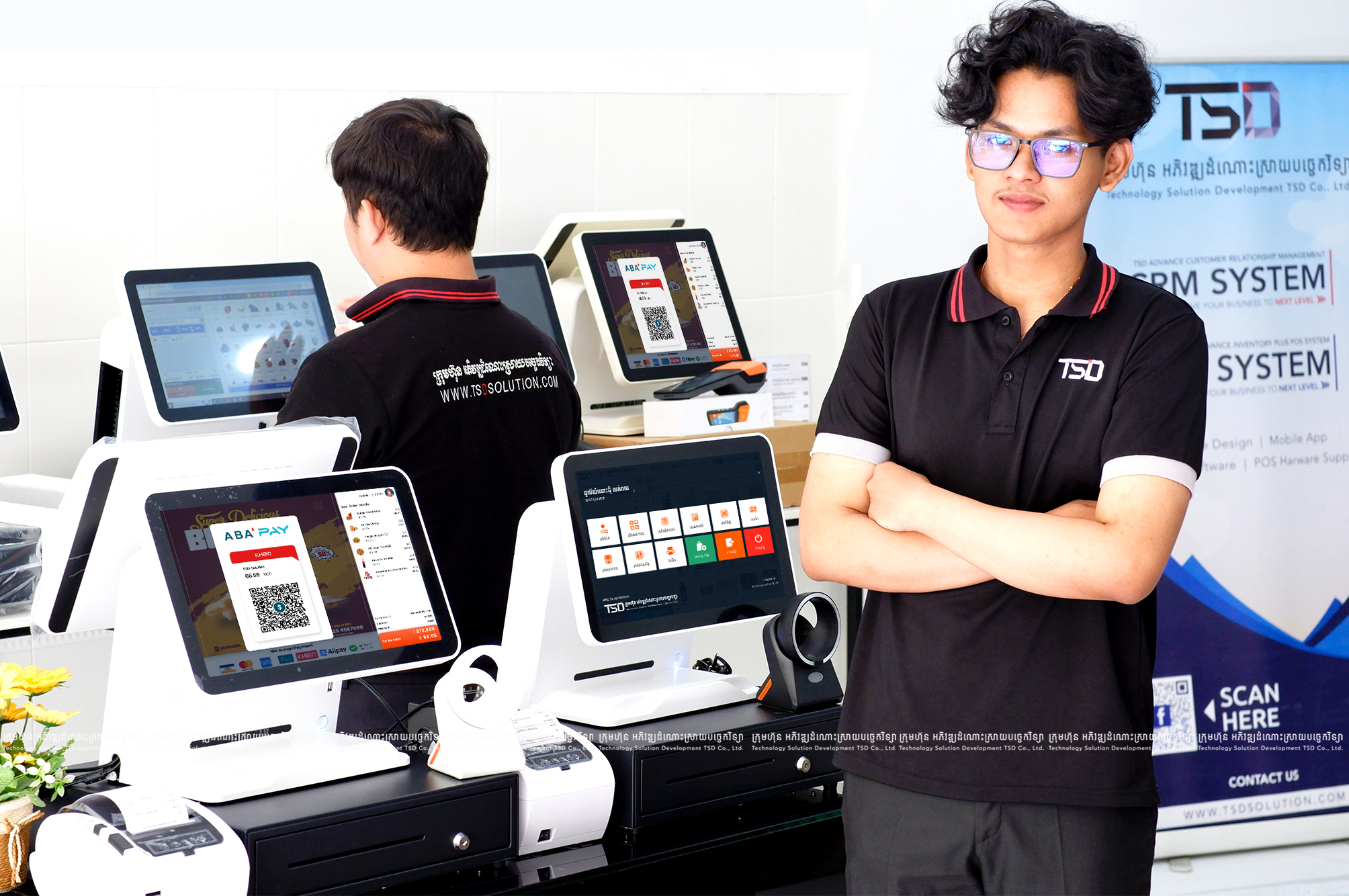
ABA PayWay POS Cambodia: Easy Way to Cut 5 Pay Risks
An ABA PayWay POS Cambodia setup is not a paper QR taped to the counter. It must generate dynamic KHQR inside the sale, confirm paid status for cashiers, keep dual currency totals honest, and reconcile without weekend bank-app archaeology. This Insights guide shows five verification checks before you trust peak-hour settlement.
Partner Path
ABA PayWay
QR Mode
Dynamic KHQR
Bill Mix
KHR + USD
Cambodia Proof
3,000+ Projects
What ABA PayWay POS Cambodia really means for owners
Owners searching for ABA PayWay POS Cambodia usually already accept KHQR somehow. The gap is trust: cashiers still type amounts into personal banking apps, guests show screenshots, and night close becomes a pile of mismatched notifications. PayWay on a real POS is supposed to end that theater.
Cambodia checkout reality is dual currency, Bakong KHQR habits, and peak queues that punish slow confirmation. A laminated standee is not an integration. For national payment context while you evaluate an ABA PayWay POS Cambodia package, review the National Bank of Cambodia’s Bakong network and NBC resources.
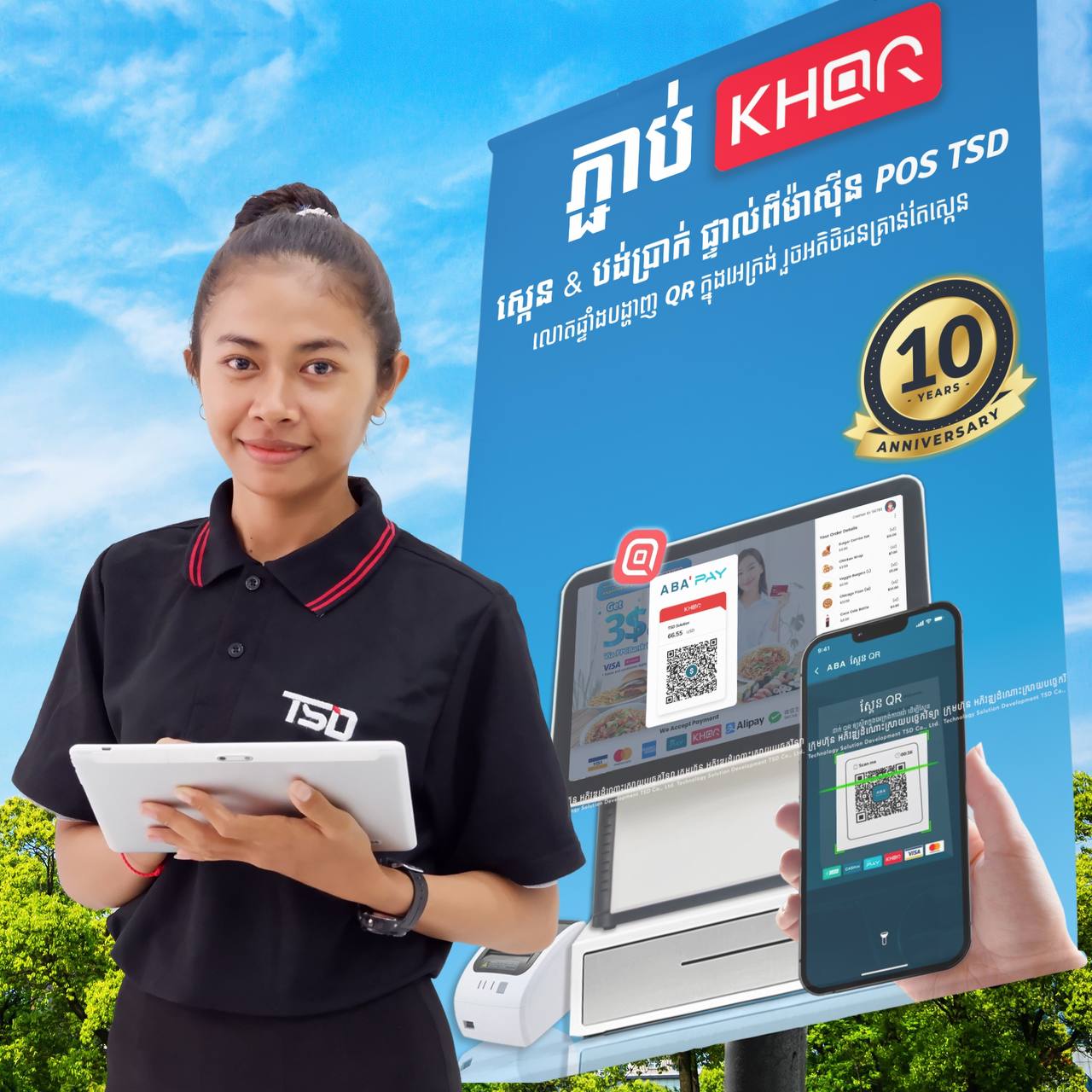
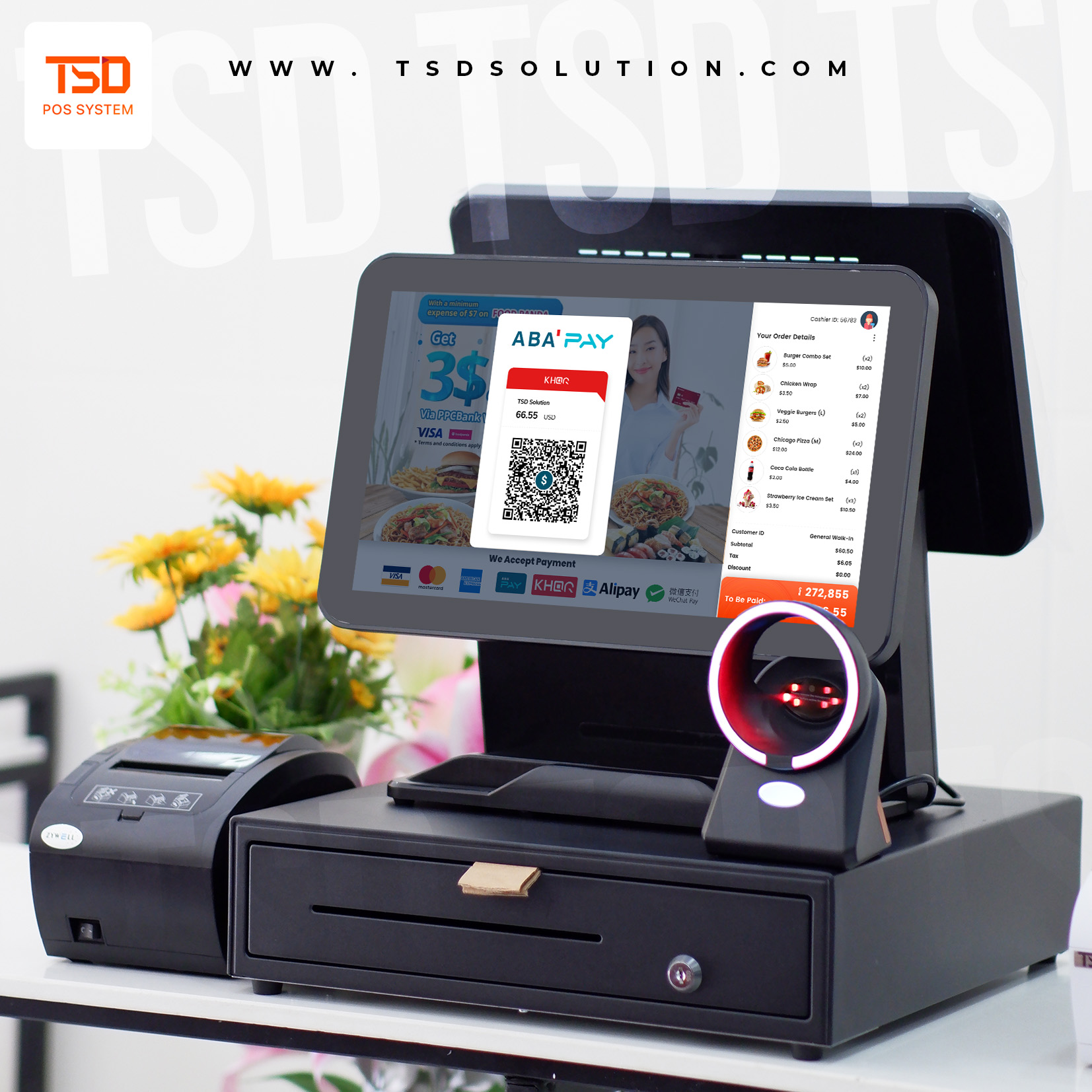
TSD is an ABA PayWay Official Integration Partner. Advance Inventory Plus POS can generate dynamic KHQR inside the sale (ABA, ACLEDA, Wing according to package), show clear guest-facing totals, and keep drawer records aligned when confirmation returns. Pair this guide with KHQR dual currency POS Cambodia and the product page for POS system Cambodia.
ABA PayWay POS Cambodia: 5 payment risks to cut
Print these five risks before any vendor meeting about ABA PayWay POS Cambodia. Score pass, fail, or needs Demo. Cheap “QR ready” claims that still rely on typed amounts should fail early.
Standee trap
Static paper QR invites wrong amounts and screenshot fraud during rush.
Typed totals
Cashiers rekey the bill into a bank app and invent silent mismatches.
Blind paid
No clear paid callback – staff guess from a guest phone flash.
Currency fog
KHR and USD on one bill still need calculator math at the glass.
Night archaeology
Shift close means scrolling bank notifications against paper tickets.
A credible ABA PayWay POS Cambodia shortlist cuts those risks with official integration posture, in-sale dynamic KHQR, cashier confirmation, dual currency guest clarity, and reconcilable shift close. The gallery and case studies below show those flows on live Cambodia counters.
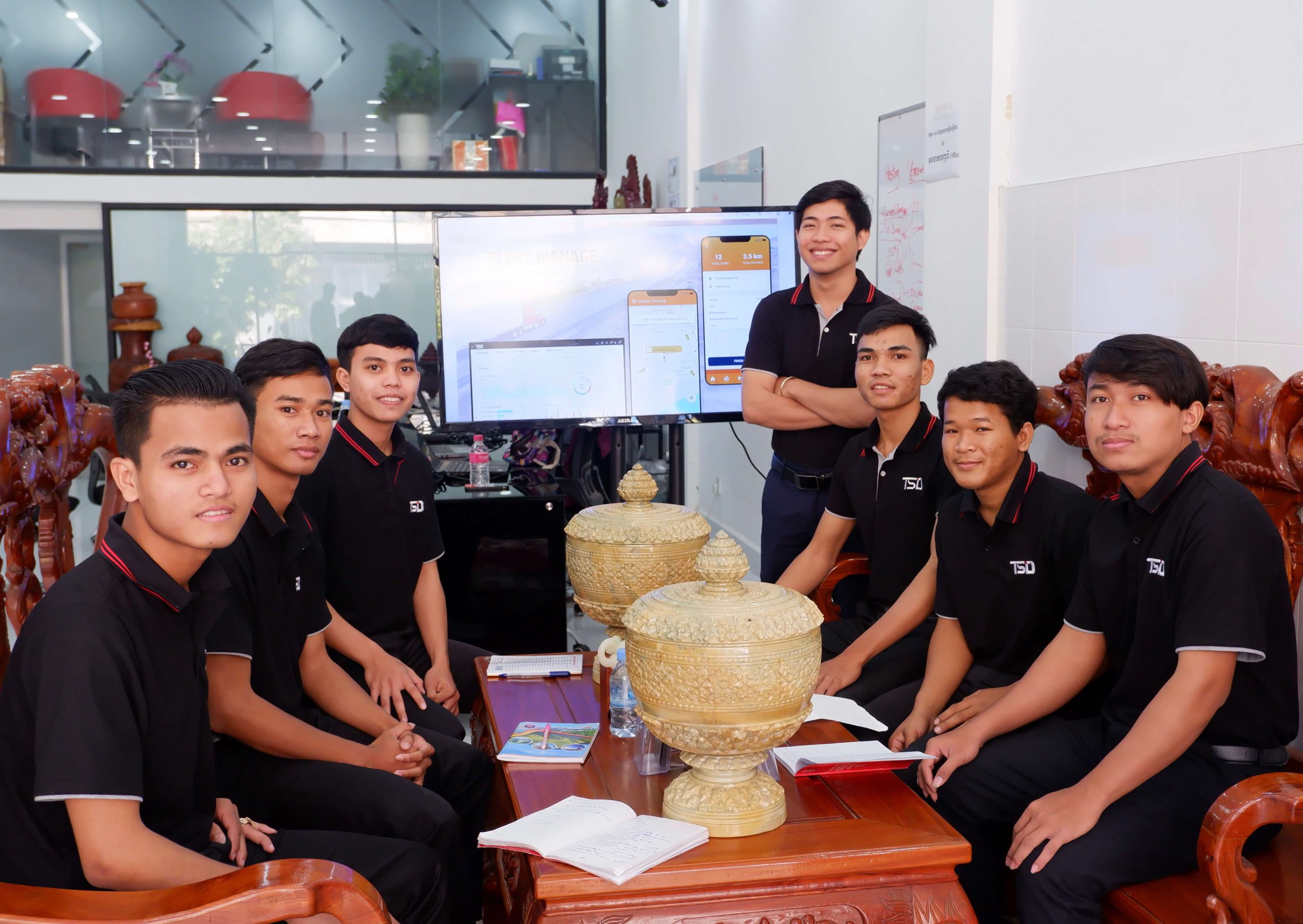
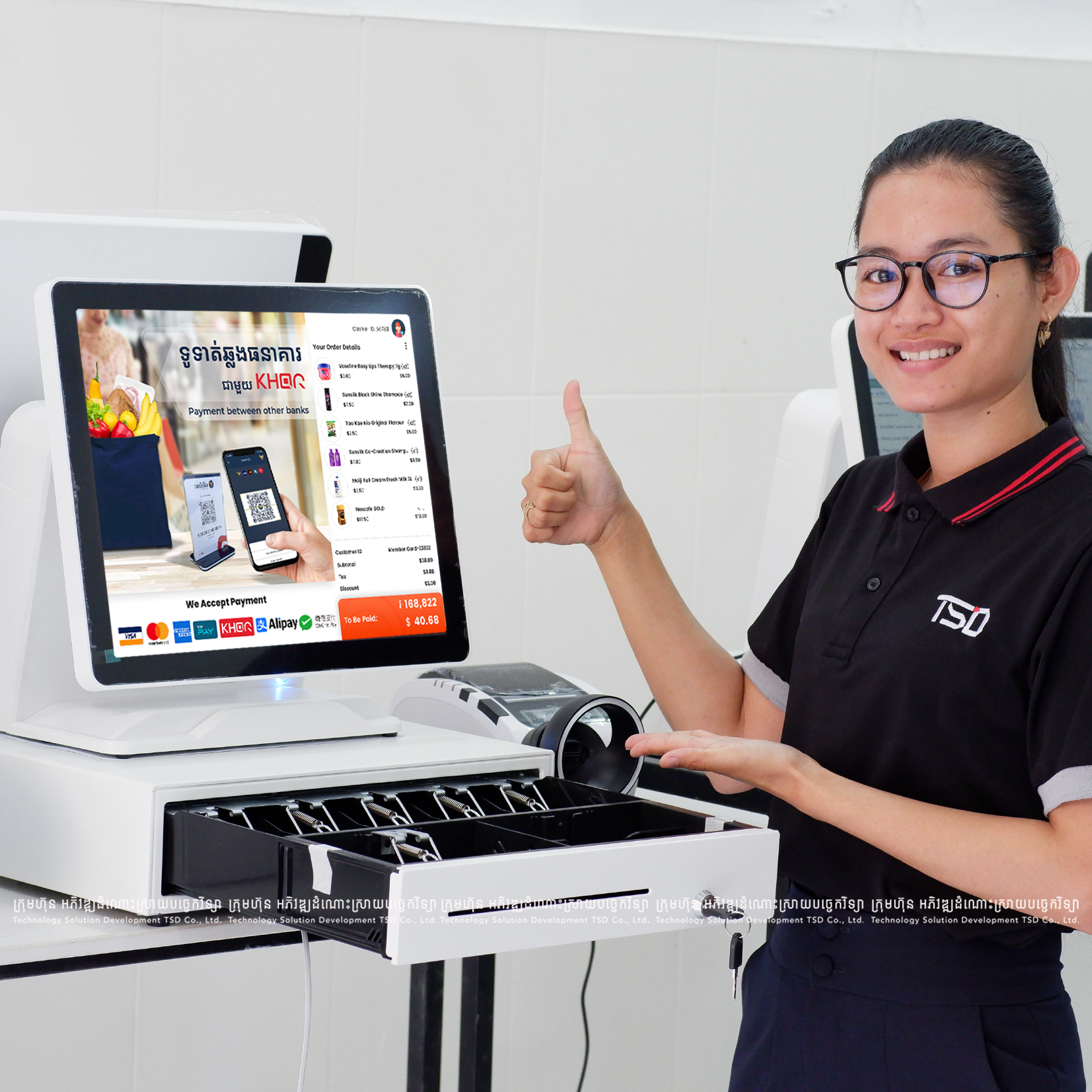
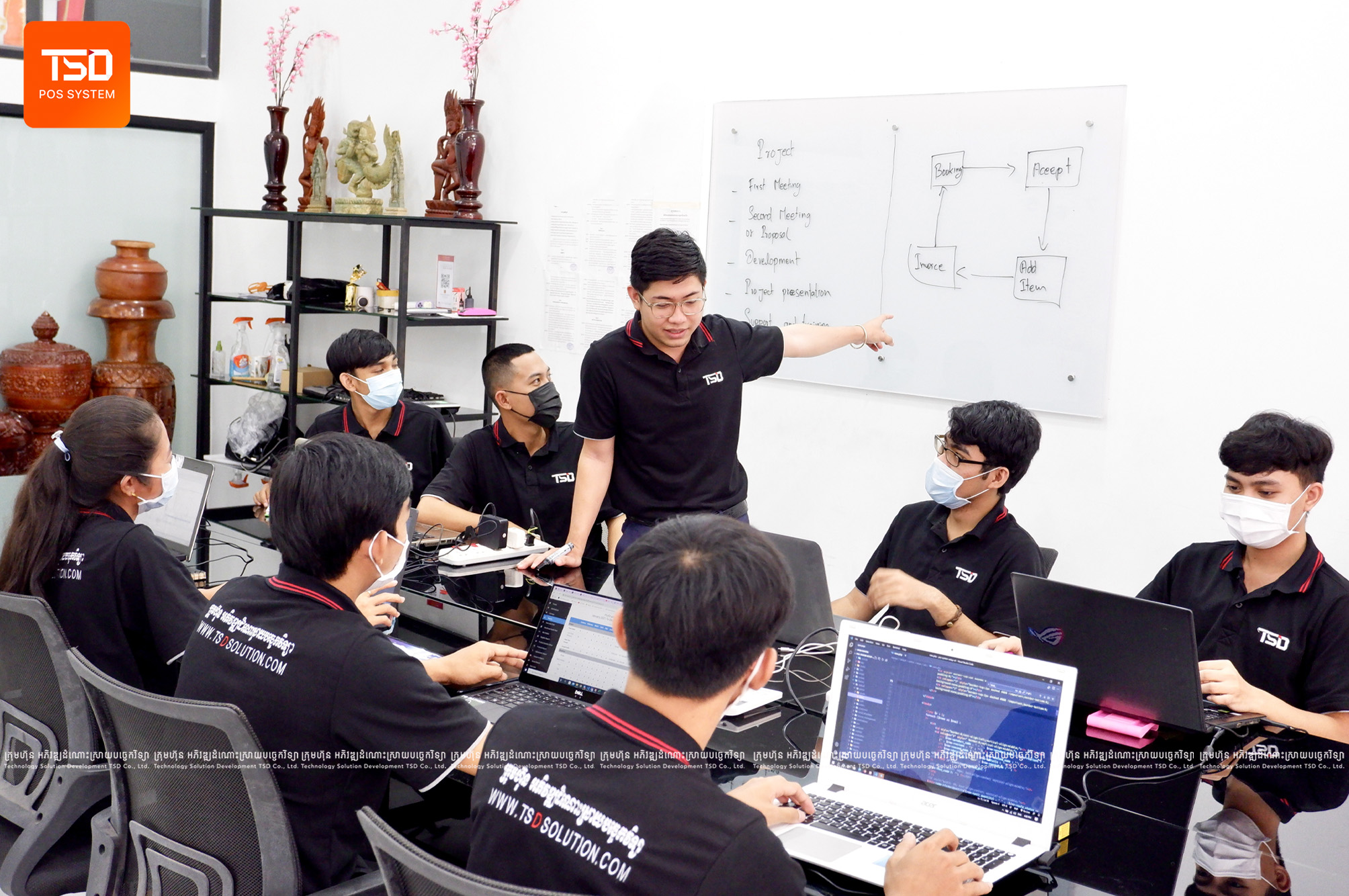
PayWay floor gallery: guest screens and counter proof
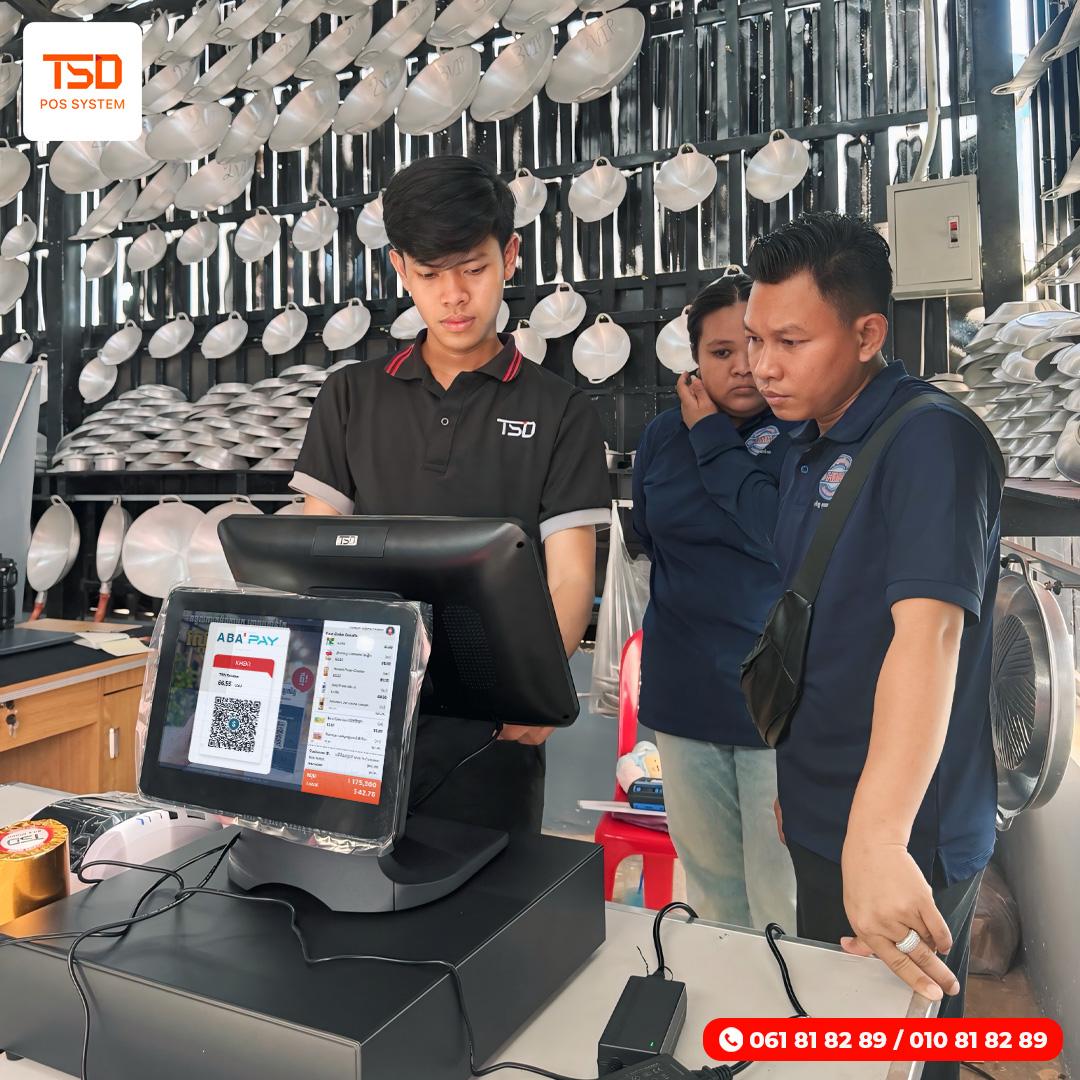
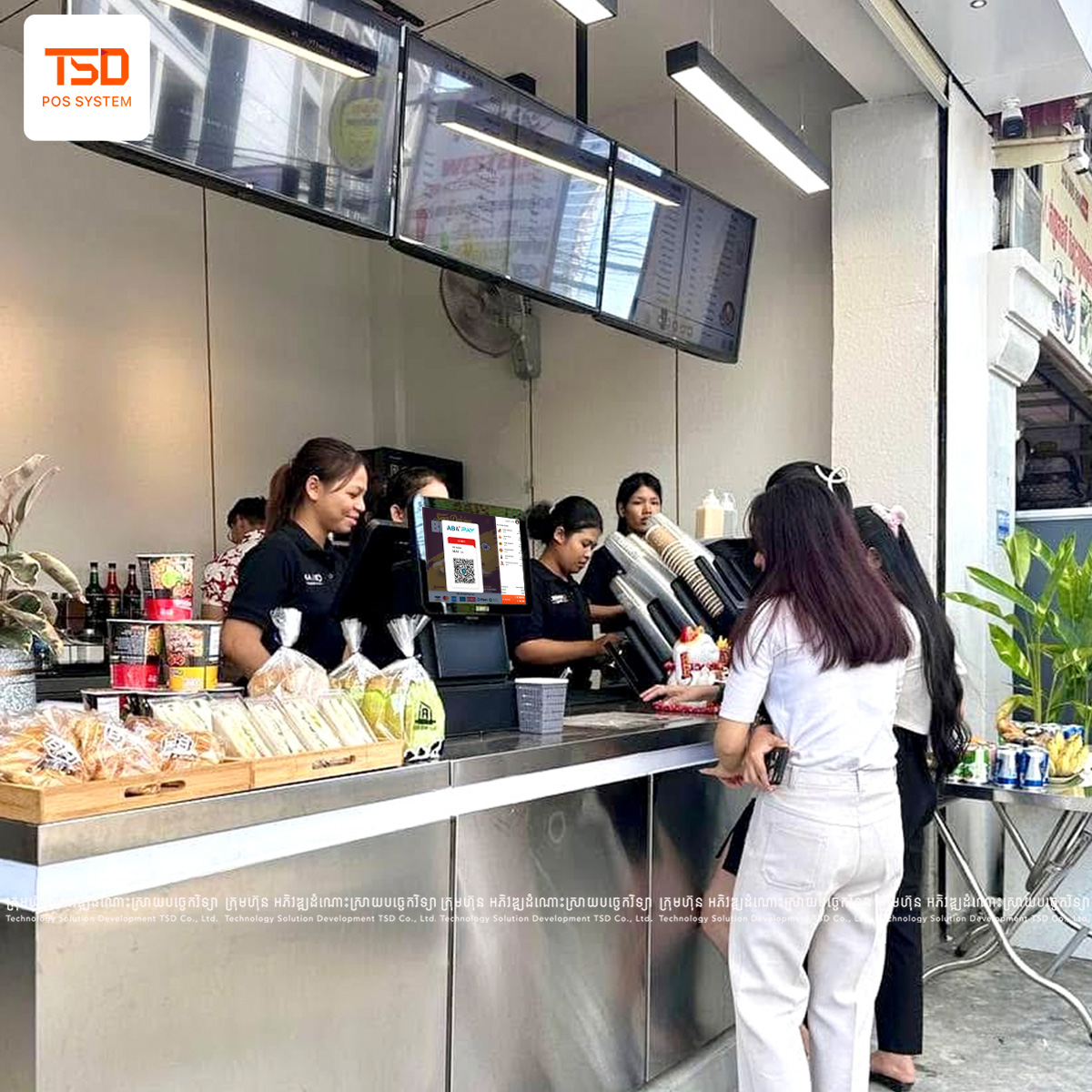
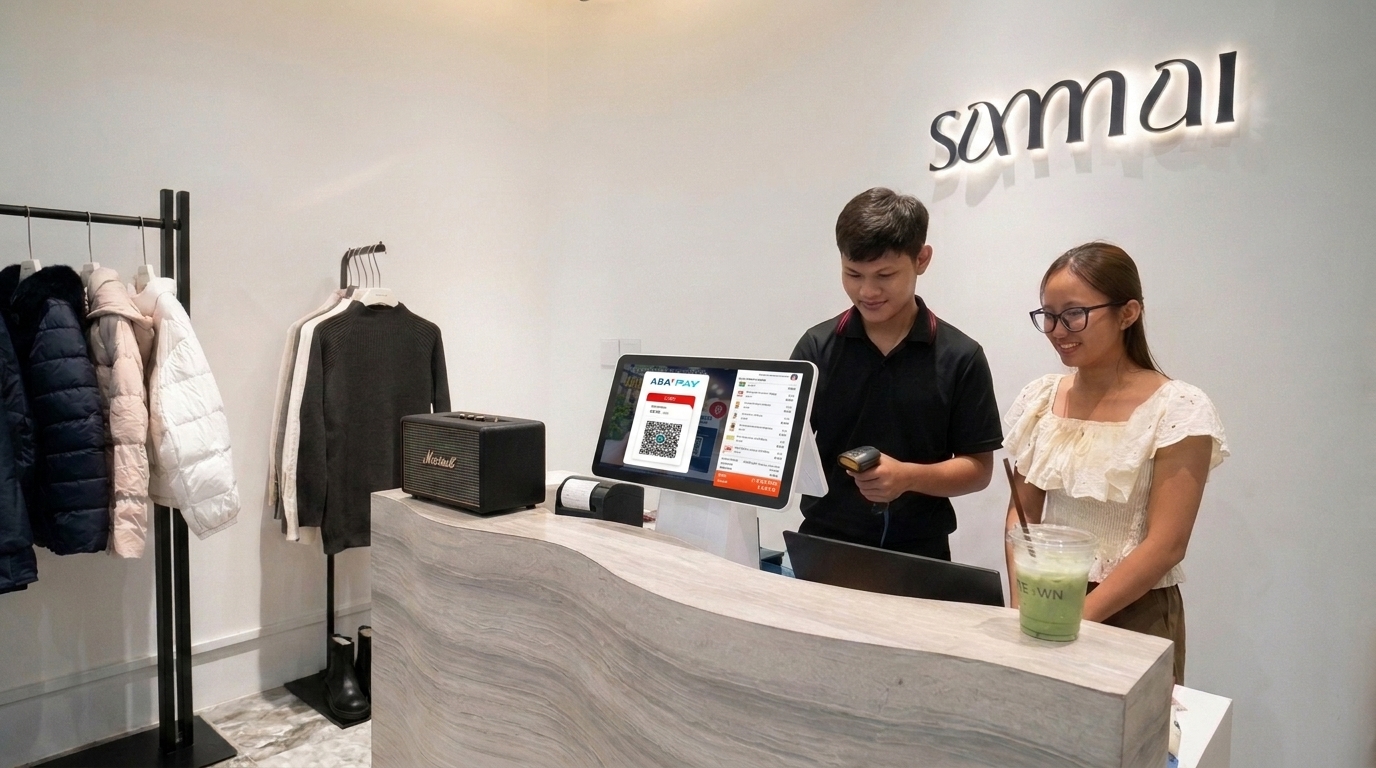
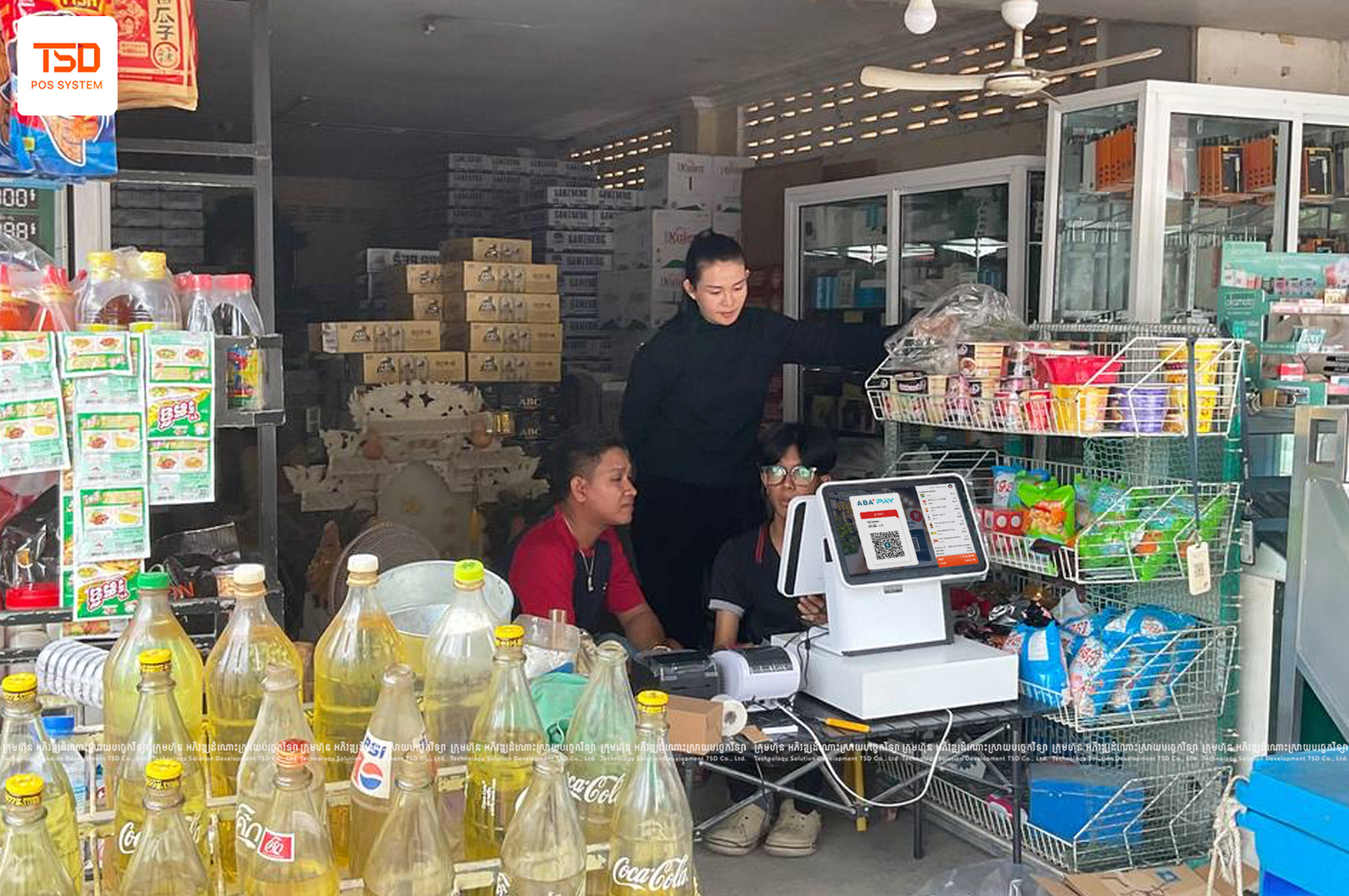
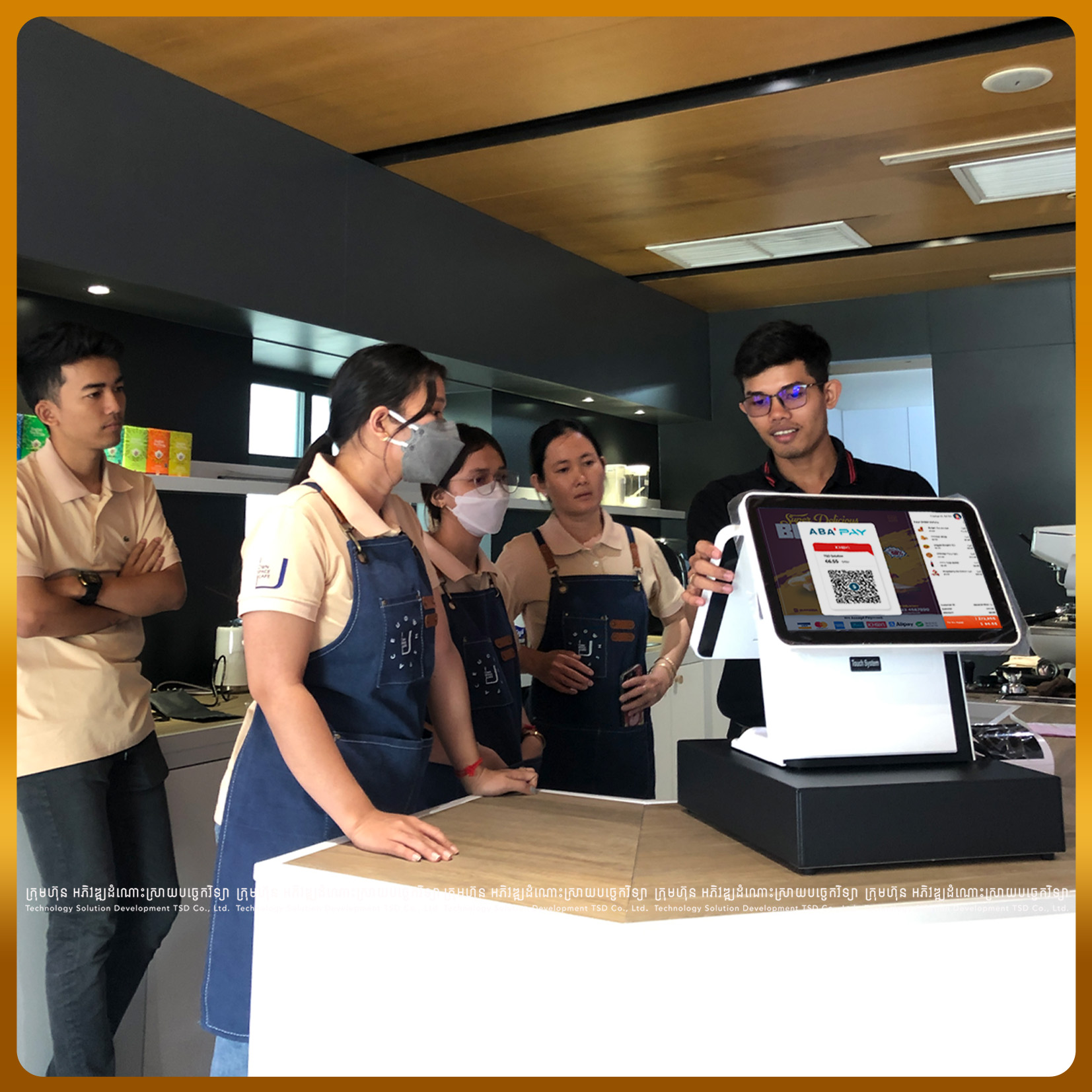
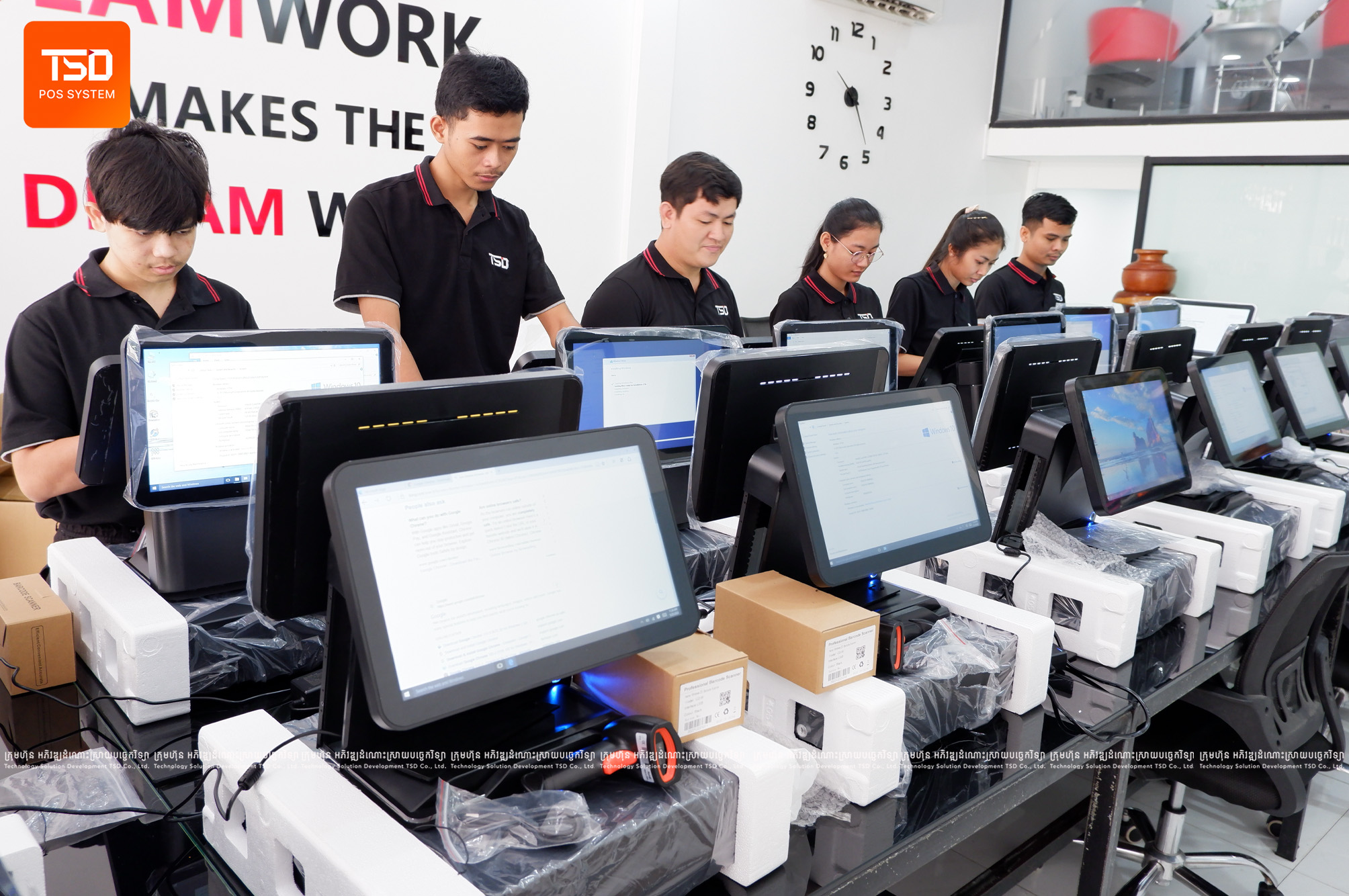
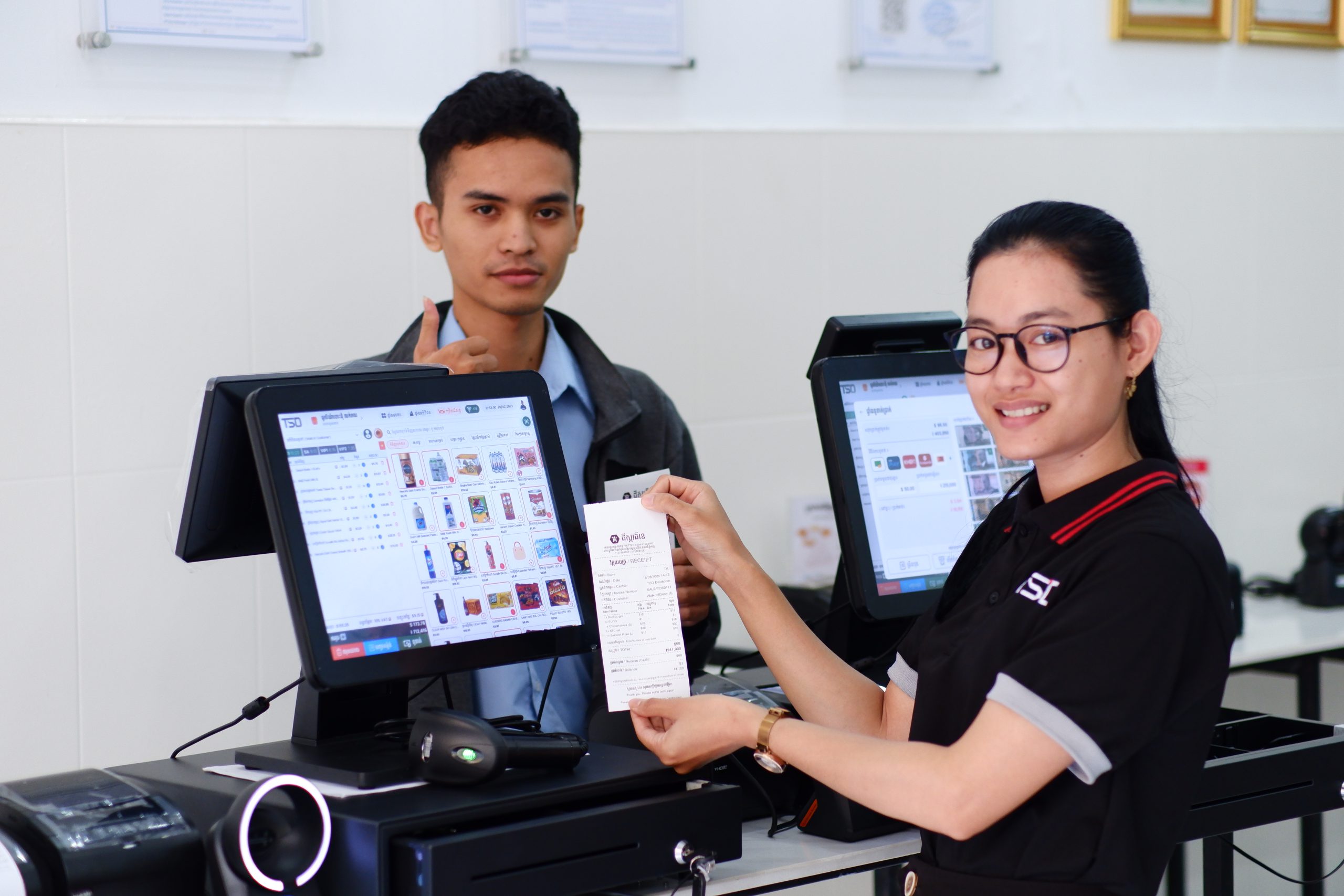
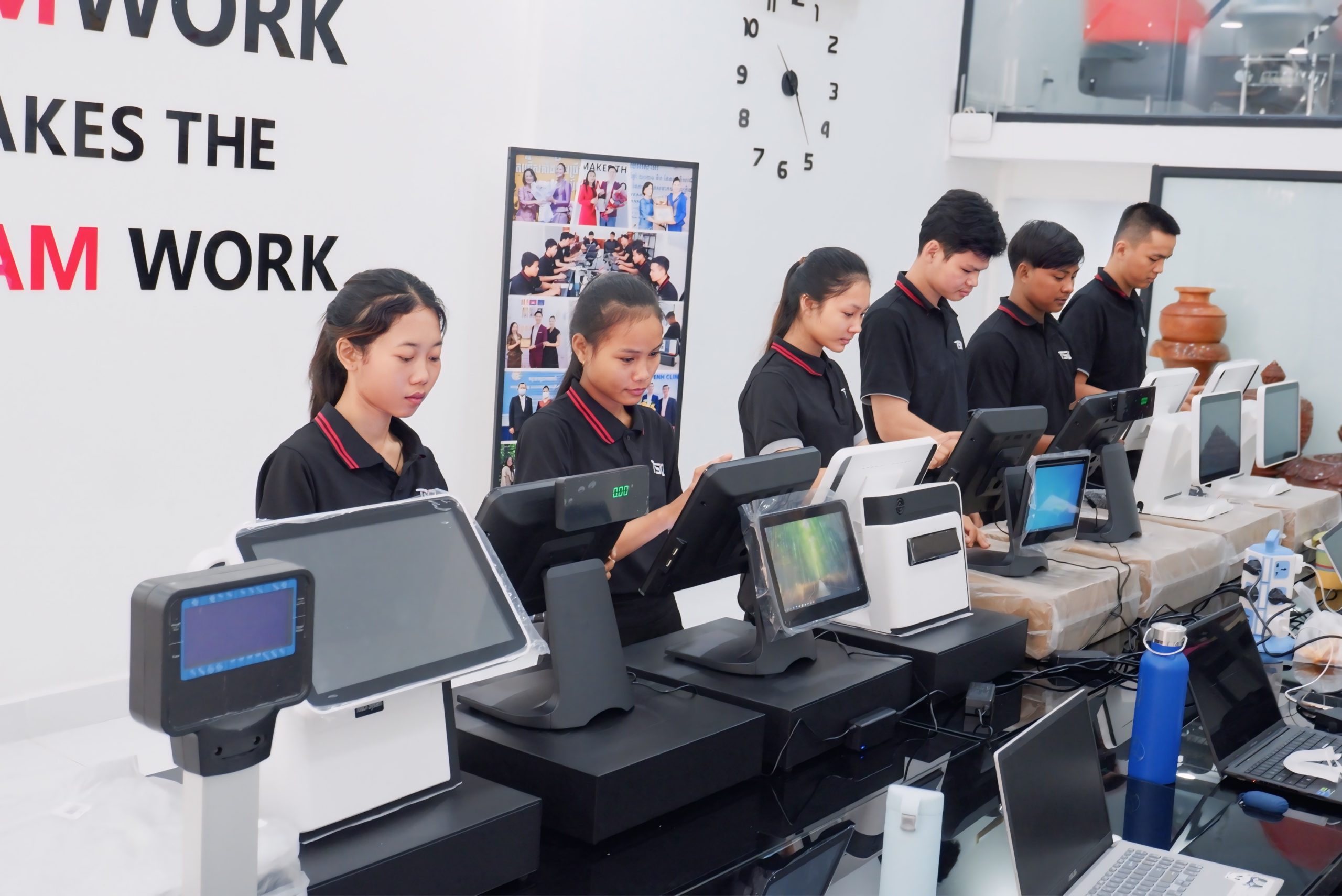
Use these Cambodia floor photos as a visual checklist during Demo. Ask every vendor to show guest-facing totals, QR on the customer display, and cashiers who can close without hunting phone notifications.
1. Official partner path vs DIY bank-app typing
The first stress test for any ABA PayWay POS Cambodia claim is partnership posture. Ask whether the POS vendor integrates as a PayWay partner path – with merchant setup guidance – or merely tells cashiers to open ABA Mobile and type the total.
Partner clarity
Ask for official PayWay integration language – not vague QR stickers.
Merchant setup
Confirm who helps with merchant credentials and go-live checks.
Support path
Know who answers when a sale paid but the till stayed open.
TSD states ABA PayWay Official Integration Partner status in public materials. Still verify the live Demo on your merchant account plan before you sign. Bank packages and enabled rails can differ by contract.
2. Dynamic KHQR generated inside the sale
Dynamic KHQR binds the exact invoice amount to the scan. Static standees do not. During Demo for ABA PayWay POS Cambodia, create two sales with different totals and prove each QR embeds its own amount – guests should not type anything.
3. Paid confirmation cashiers can trust in real time
Peak queues fail when staff squint at a guest phone. A serious ABA PayWay POS Cambodia evaluation demands a clear paid state on the POS after successful scan – then auto-progress to receipt or next sale.
Cashier signal: visible paid / success status without reading the guest screen.
Sale lock: the ticket closes for that tender so staff cannot double-charge by accident.
Fail path: unpaid or cancelled QR does not mark the sale complete.
Reprint: receipt can reprint after confirmation without inventing a second payment.
Coffee counters and apparel fitting-room rushes expose weak confirmation fastest. Use the Onnik-style guest display and clothing-store lanes in the gallery as Demo visual targets.
4. Dual currency totals that match the guest screen
Cambodia bills often mix USD pricing with KHR cash and KHQR settlement. The guest-facing screen should show both currency views clearly so nobody argues about rate math at the glass.
During Demo, ring a mixed tender: part cash USD/KHR, part KHQR. Confirm the PayWay QR amount matches the remaining balance – not the original full ticket. Dual-screen hardware helps; see POS hardware choice Cambodia.
5. Shift close and reconciliation without screenshot hunting
If night close still means scrolling ABA notifications against paper tickets, you bought a QR sticker – not a POS payment stack. Demand tender separation: cash vs KHQR/PayWay lines that owners can audit the same day.
Depot and multi-counter sites feel this hardest. Long Siving-style interiors and multi-branch guides show why tender clarity must survive volume. Also read multi-branch POS Cambodia when more than one till settles PayWay sales.
PAYWAY SETTLEMENT PULSE for Demo verification
Demand measurable pass or fail markers – not QR stickers – when any vendor claims ABA PayWay readiness.
PAYWAY SETTLEMENT PULSE
ABA PayWay Cambodia Demo markers
LIVE – SETTLEMENT OK
QR ModePASS
DYNAMIC
Two sales generate two amount-specific QR codes
Paid SignalLIVE
CONFIRMED
Cashier sees paid without reading guest phone
Bill MixDUAL
KHR+USD
Guest screen matches remaining KHQR balance
Shift CloseAUDIT
SPLIT TENDER
Cash and PayWay lines separate at drawer close
* Example pulse for owner demos. Ask each vendor to prove the same markers with two different sale totals and one mixed tender.
Live Cambodia counters running ABA-ready POS flows
Use these public TSD deployments as proof patterns for an ABA PayWay POS Cambodia shortlist. Each story stresses guest-facing QR, dual currency pressure, or high-velocity settlement.
FEATURED – DUAL DISPLAY
Wash and Brew Laundry and Cafe
Customer-facing ABA KHQR display with combined service tickets and dual currency settlement.
What should an ABA PayWay POS Cambodia owner verify first?
Confirm dynamic KHQR inside the sale, a clear paid signal for cashiers, dual currency guest totals, mixed-tender remaining balance QR, and shift close that separates cash from PayWay lines.
Is a paper ABA QR standee the same as PayWay POS integration?
No. Standee QR usually forces guests to type amounts and gives cashiers weak confirmation. Integrated PayWay POS flows generate amount-specific QR and settle against the open ticket.
How does TSD support ABA PayWay POS Cambodia deployments?
TSD is an ABA PayWay Official Integration Partner. Advance Inventory Plus POS can run dynamic KHQR in-sale (bank rails by package), dual currency tickets, guest displays, on-site training, and Support 24/7. Still verify merchant setup and Demo on your account plan.
Does ABA PayWay replace dual currency cash handling?
No. Most shops still take cash. PayWay/KHQR should sit beside honest KHR and USD cash-up – not replace drawer discipline. Test mixed tenders in Demo.
What if the network drops during a KHQR sale?
Prefer hybrid POS that keeps the till usable and clarifies unpaid tickets when reconnecting. See offline hybrid POS Cambodia and prove fail paths live.
Where should I continue after this ABA PayWay POS Cambodia guide?
Read the KHQR dual currency and hardware Insights, review the case studies above, then book a Demo via Telegram to run the settlement checklist on your counter.
BOOK A PAYWAY SETTLEMENT DEMO
Ready to verify ABA PayWay POS Cambodia fit for your counter?
Share your bank rails, dual currency mix, and peak queue pattern. TSD will run dynamic QR, paid confirmation, mixed tender, and shift-close checks – then quote a clear software, hardware, and Support package.
From fuel depots and auto care to retail, logistics, and enterprise — teams across Cambodia choose TSD Solution for expertise, fast Support, and systems that fit real operations.