Hotel Management System Cambodia: One Stay, One Bill
A hotel management system Cambodia owners can trust is not a booking calendar with a POS sticker. Front desk, rooms, F and B, guest KHQR, and night audit must share one folio – even when fiber dips mid-service.
Hotel management system Cambodia: folio leaks to score
Tap each room key to cycle Vacant > Stay > Leak. Score your hotel management system Cambodia shortlist before any quote.
Split-system leak
Rooms in one tool, restaurant in another. Late charges miss checkout.
Room-charge fog
Bar cannot post to folio. Guests argue over paper dockets at the desk.
Payment drift
USD, KHR, and Bakong KHQR disagree between outlets and night audit.
Offline freeze
Pure-cloud desk freezes when island or mountain fiber drops mid-check-in.
Housekeeping lag
Room status lives in WhatsApp. Front desk sells dirty rooms by accident.
Proof gap
Global logos, zero named Cambodia hotel or resort installs you can verify.
Hotel management system Cambodia: night desk shields
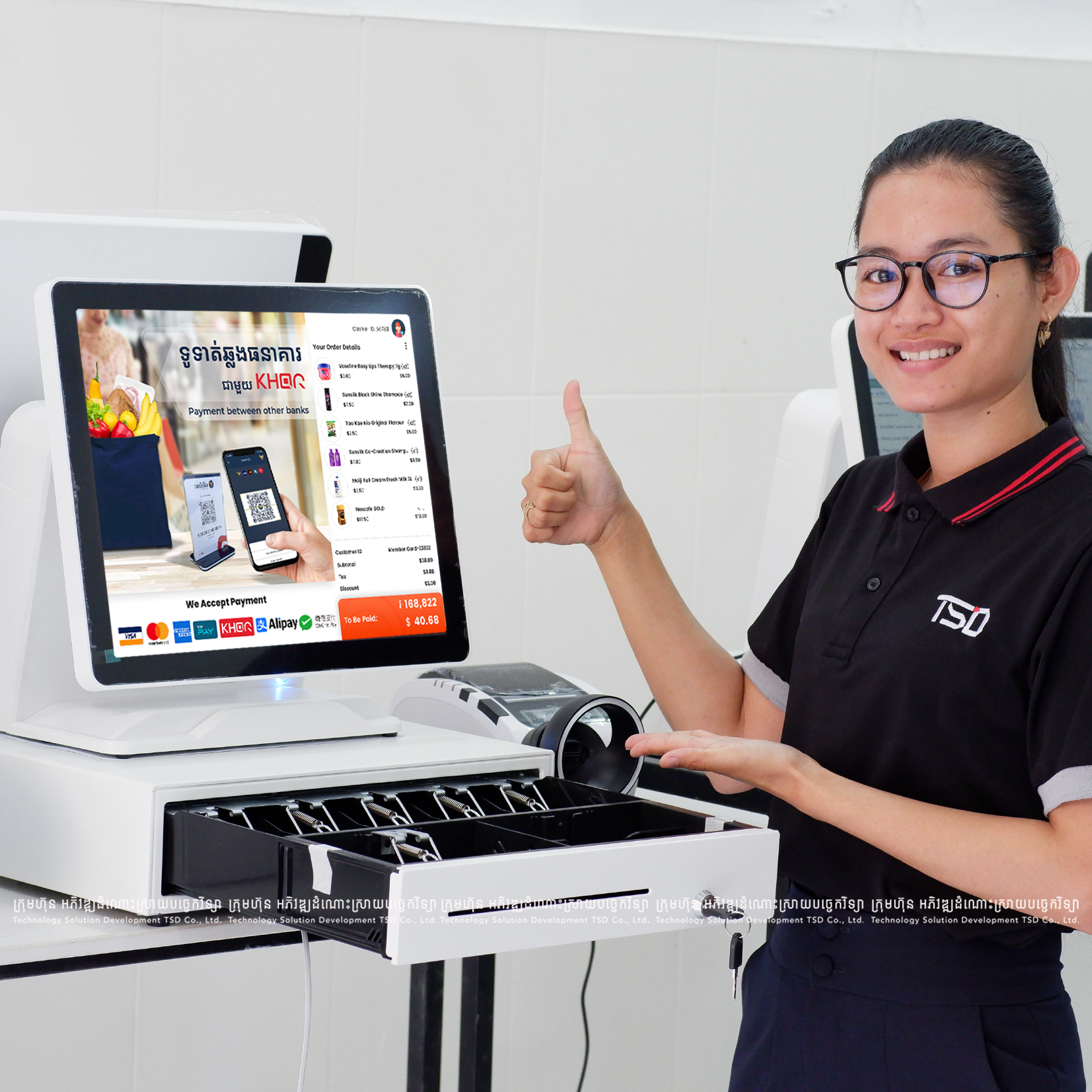
Skip brochure slides. Demand these six shields on every hotel management system Cambodia Demo – and check how Bakong / NBC KHQR lands on the guest folio.
One guest folio
Room, breakfast, bar, and spa posts settle on one bill at checkout.
Rooms + house status
Tape chart and clean / dirty truth sync with front desk sales.
USD + KHR + KHQR
Outlet totals and night audit match without calculator fog.
Hybrid offline desk
Check-in and room charges keep moving when the network dips.
Outlet reporting
Restaurant, bar, and rooms report separately – and as one property.
On-site fluency
Khmer training on property. Support 24/7 – not a remote ticket only.
Hotel operations gallery
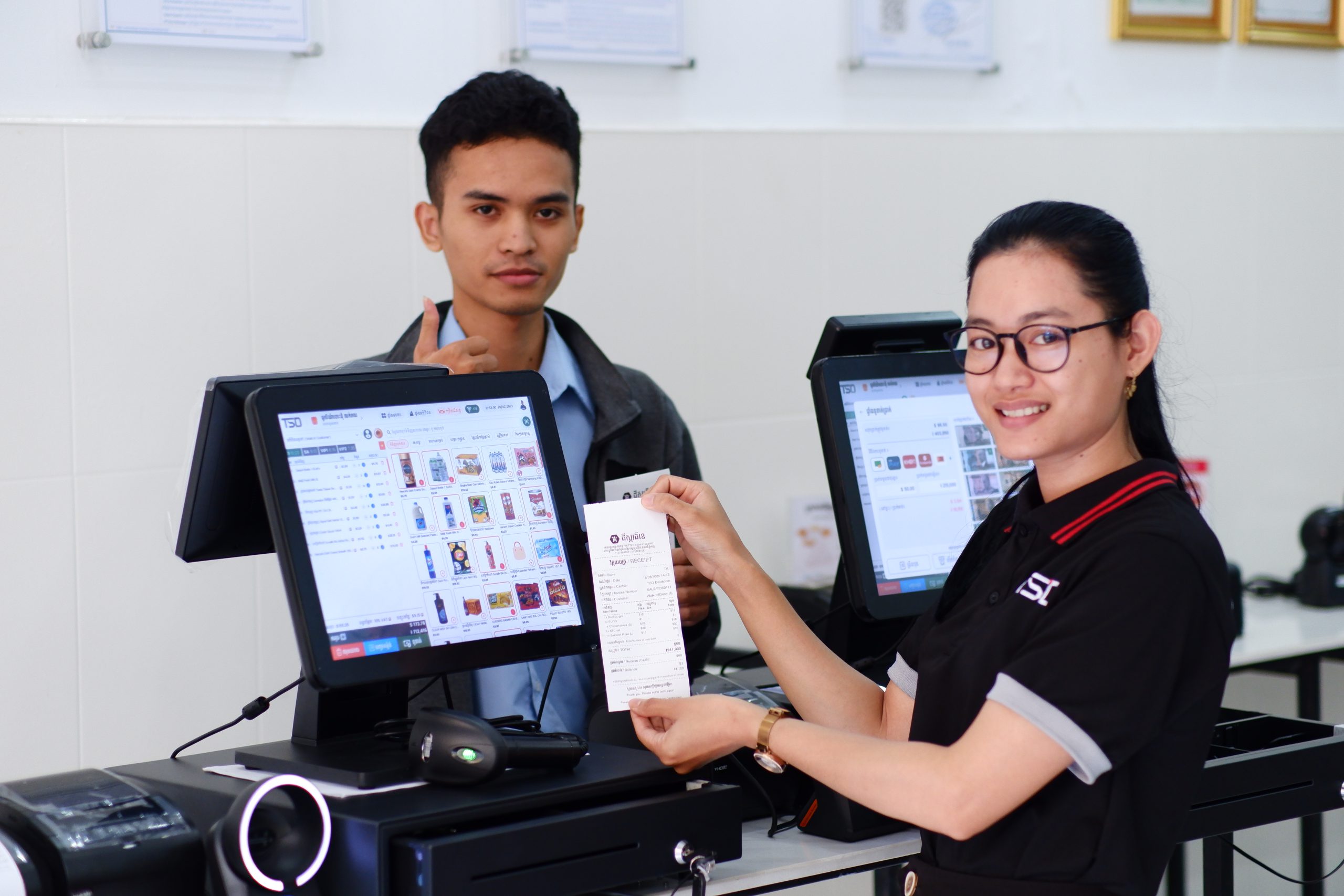
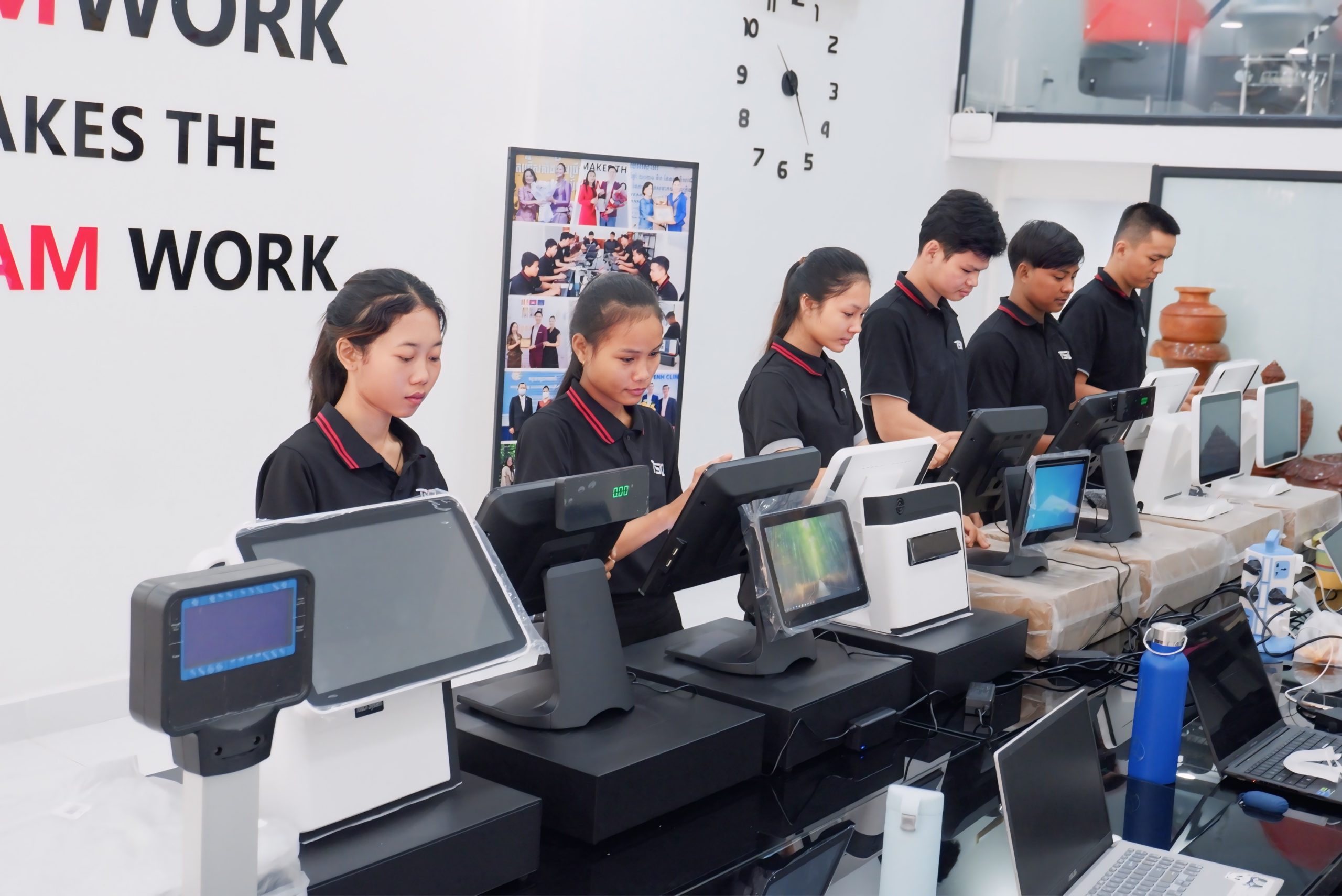
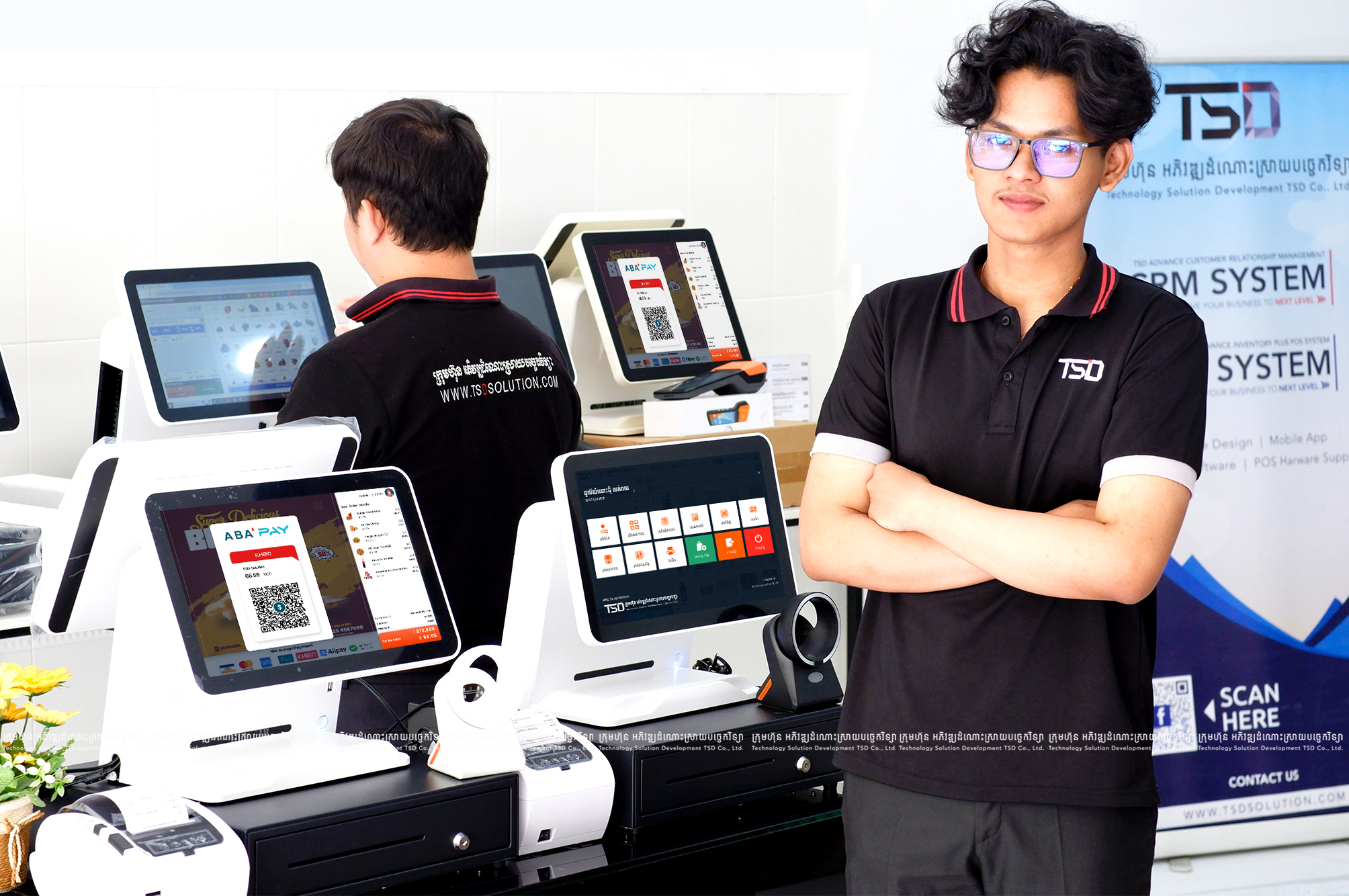
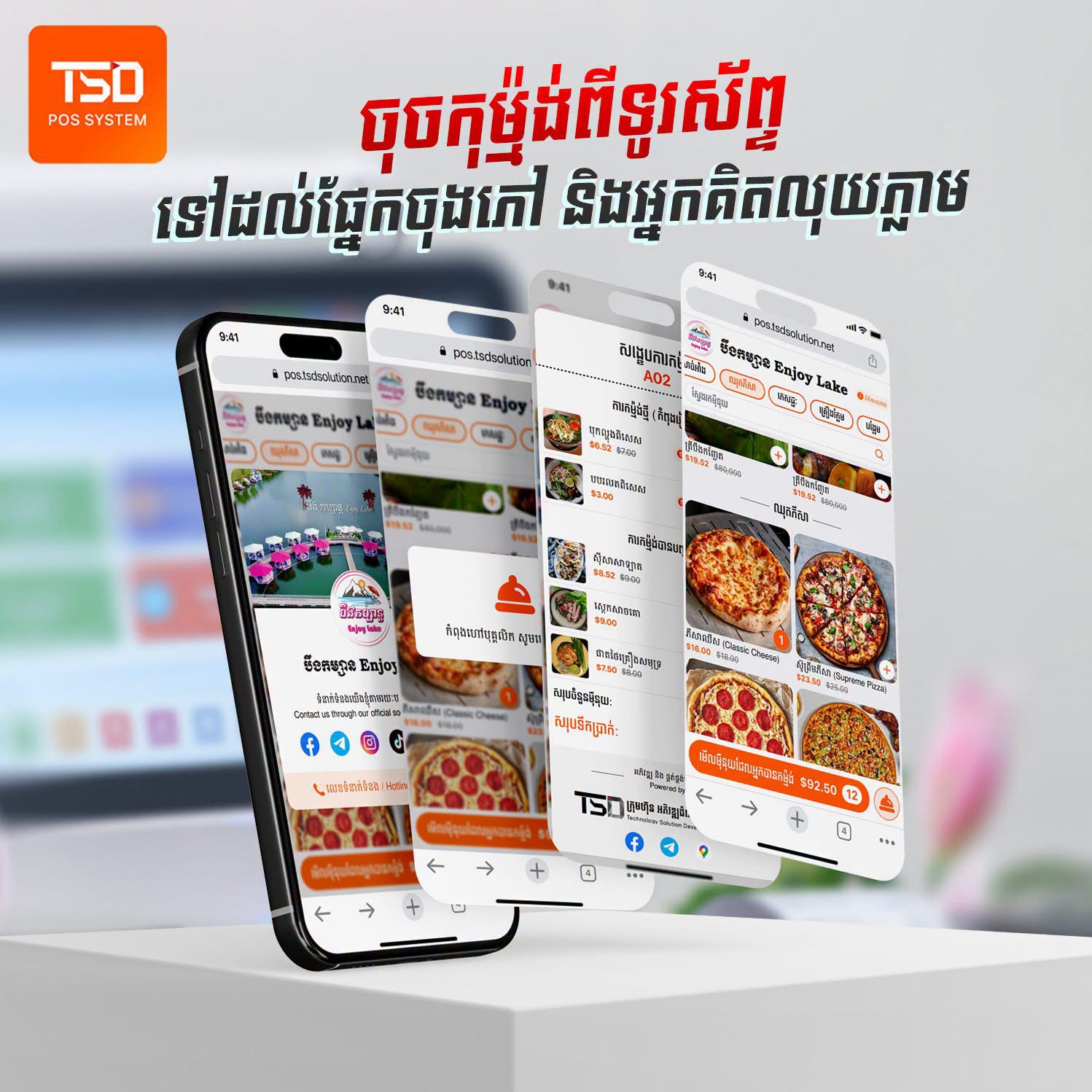
Example UI from TSD hospitality builds: rooms, QR order, restaurant board, and owner views. Open any frame full size.
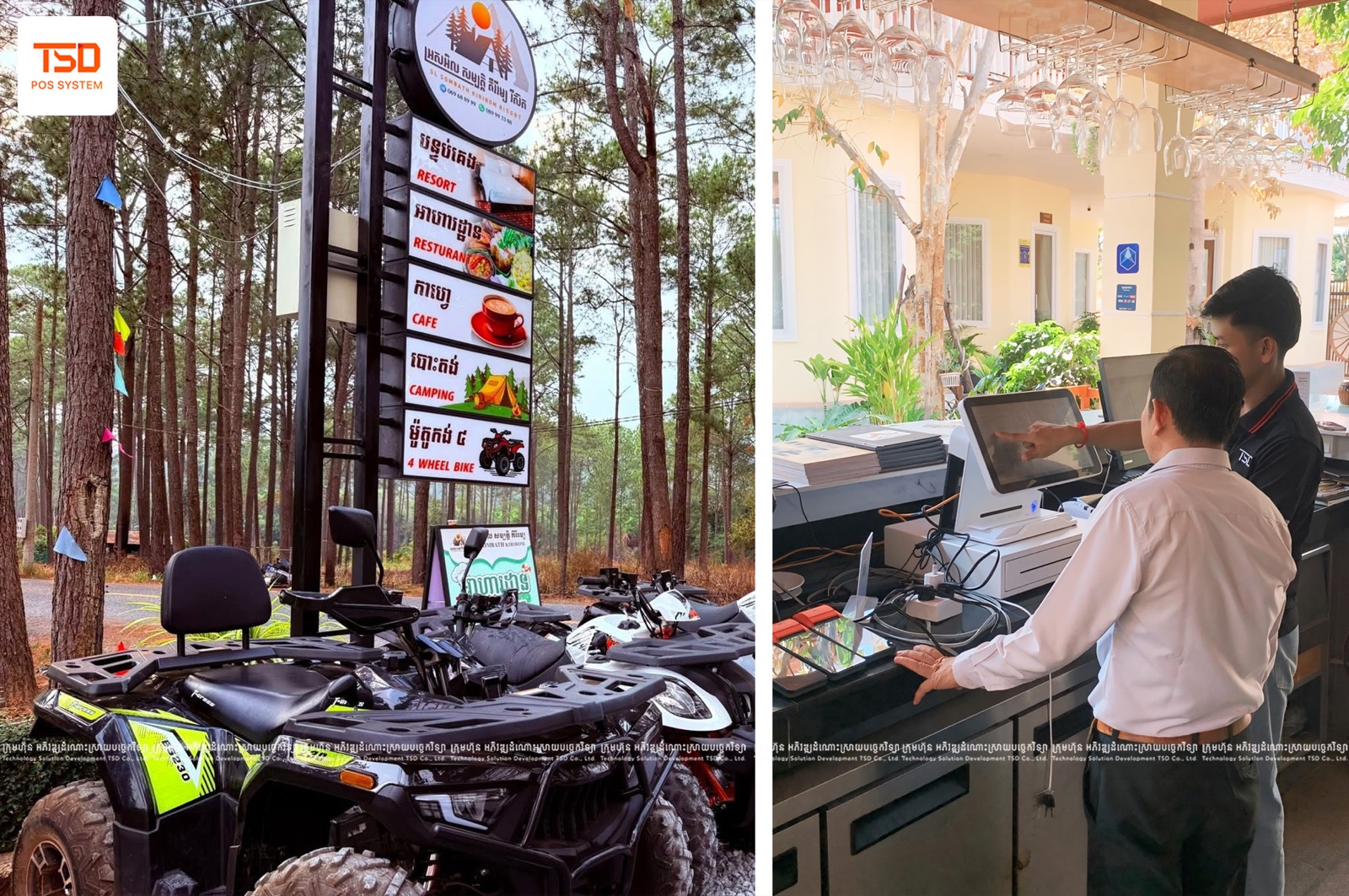
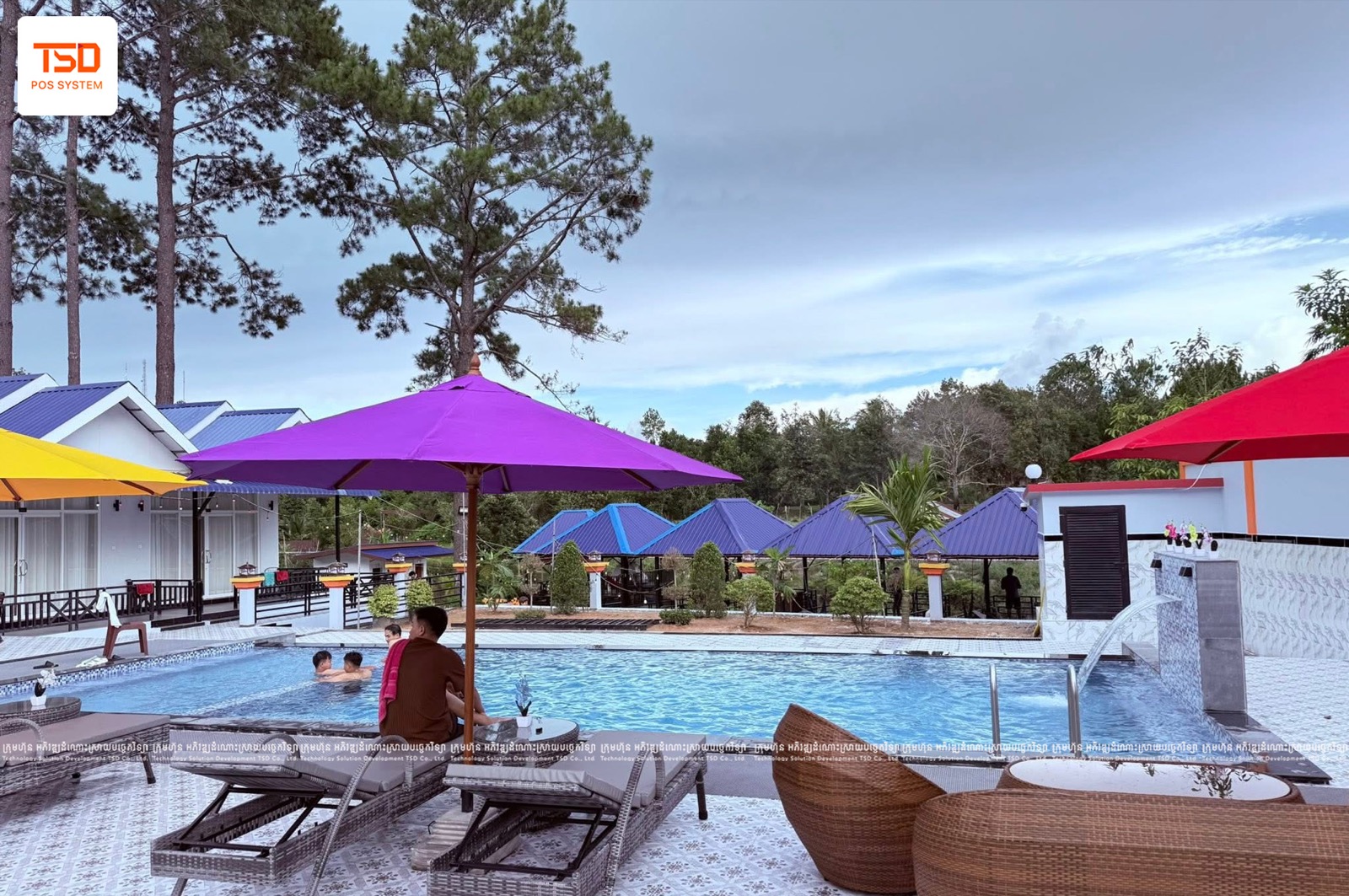
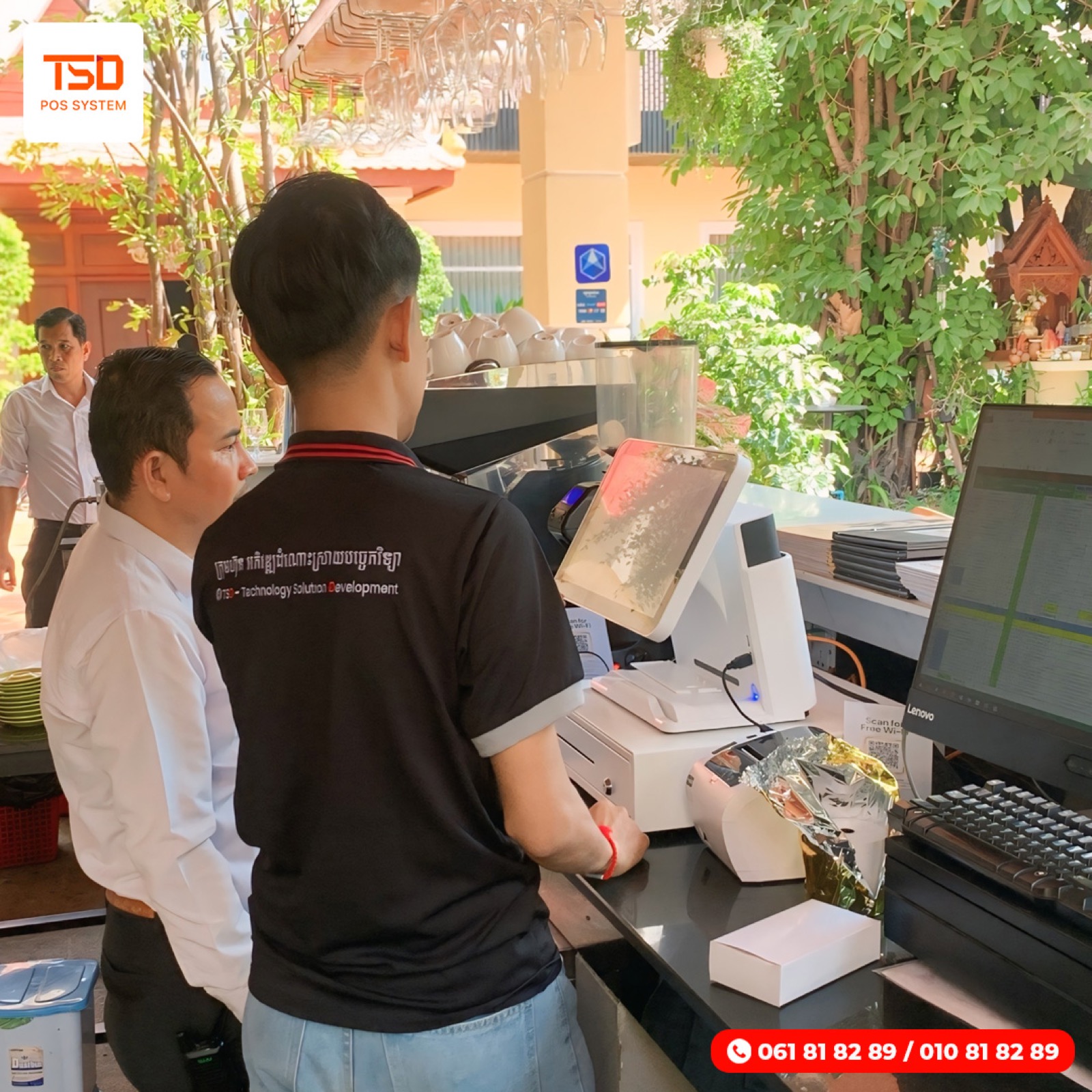
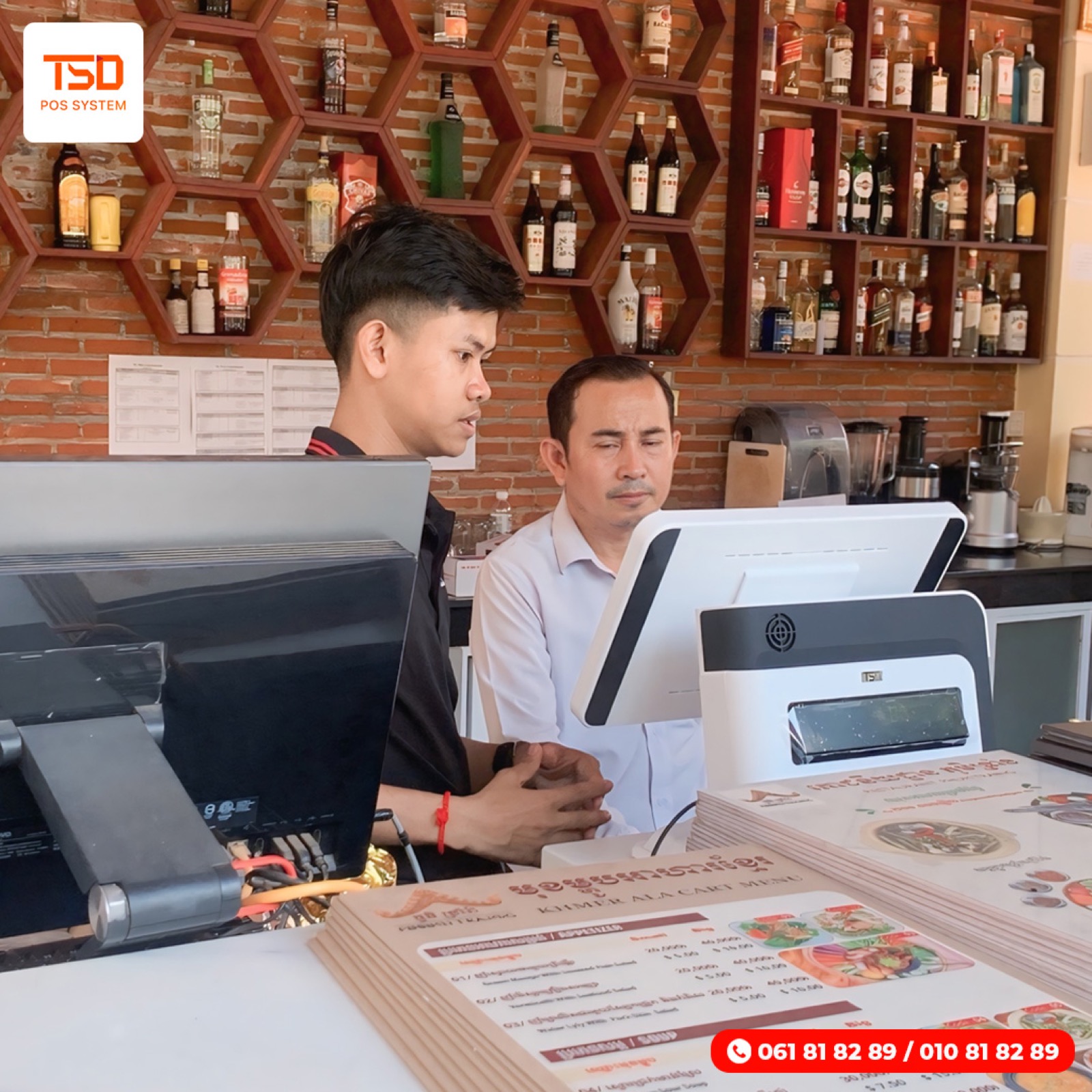

Four rails every Demo must prove
Switch rails. Demand the same proof on your hotel management system Cambodia shortlist – not a slide deck.
Folio integrity
- Check a guest in, post breakfast and a bar tab, then settle one folio without retyping paper.
- Confirm restaurant tickets can charge to room – not a separate app forever.
- Pull night audit and match outlet totals to the guest bill.
Rooms + housekeeping
- Flip a room to dirty / clean and watch front desk stop selling it until ready.
- Show tape-chart occupancy against live arrivals without a spreadsheet.
- Ask how maintenance holds block inventory before overbooking.
Money clarity
- Force USD cash, KHR cash, and KHQR on one guest stay.
- Confirm ABA PayWay-style dynamic QR lands on the same folio where packaged.
- Close a shift and show outlet reports that match night audit – no WhatsApp rebuild.
Floor fluency
- Train reception and F and B on-site in Khmer until the night shift can repeat the path.
- Ask Support hours and who answers when fiber drops at 23:00.
- Verify named Cambodia hospitality installs – not only global logos.
Next reads
Keep verifying related hospitality systems and payment depth.
Boutique villas and beach bars – folio risks that twin this hotel guide.
Explore → Restaurant POS system CambodiaKitchen tickets, modifiers, and dual currency KHQR for hotel outlets.
Explore → eMenu eOrder CambodiaGuest QR scan to kitchen – useful for pool bars and room service.
Explore →FAQ: hotel management system Cambodia
What should a hotel management system Cambodia include beyond bookings?
Is hotel management system Cambodia the same as resort software?
How do I test room charge in a Demo?
Does TSD publish a fixed monthly SaaS price for hotel systems?
Which payments should I demand in a hotel management system Cambodia Demo?
Where should I continue after this Insights guide?
Ready to test hotel management system Cambodia on your desk?
Share room count, outlets, and payment mix. TSD will run folio, room charge, dual currency, and KHQR checks on a live Demo – then quote a clear setup and Support package.
Trusted clients across Cambodia
Partners who run operations with TSD
From fuel depots and auto care to retail, logistics, and enterprise — teams across Cambodia choose TSD Solution for expertise, fast Support, and systems that fit real operations.